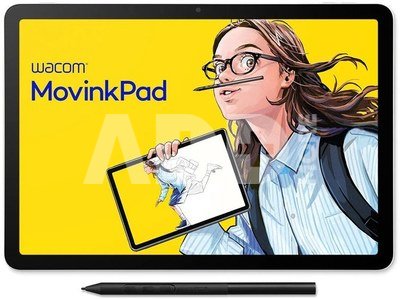
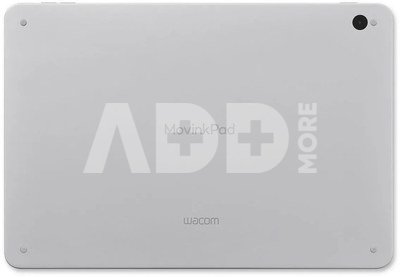
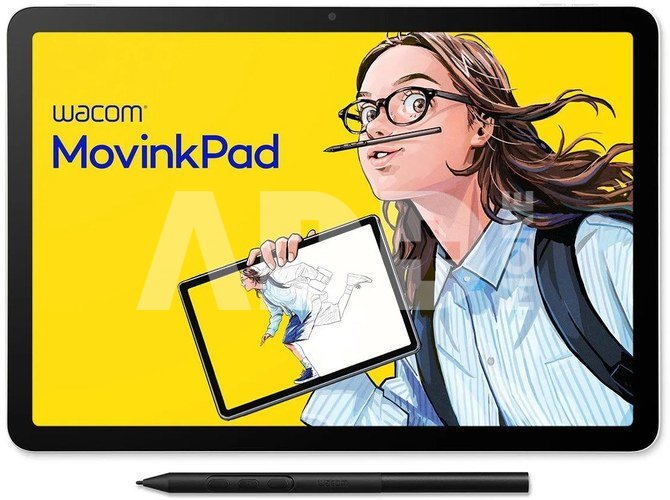
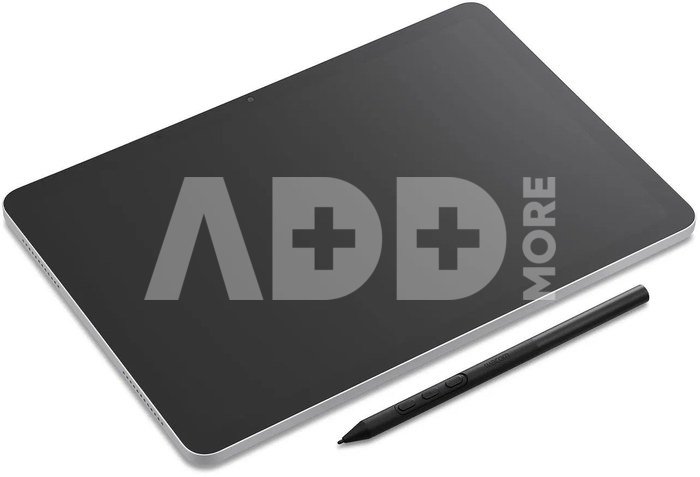
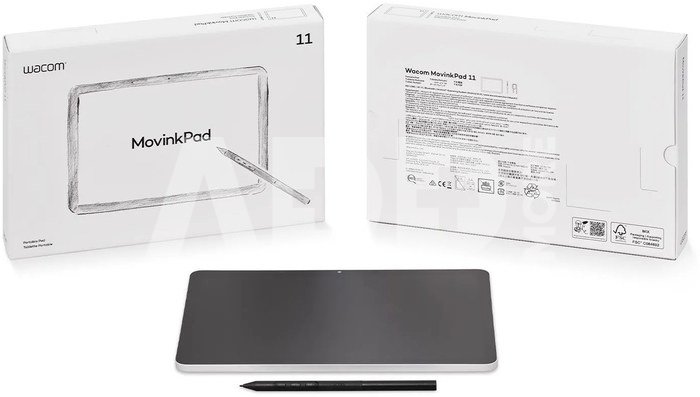
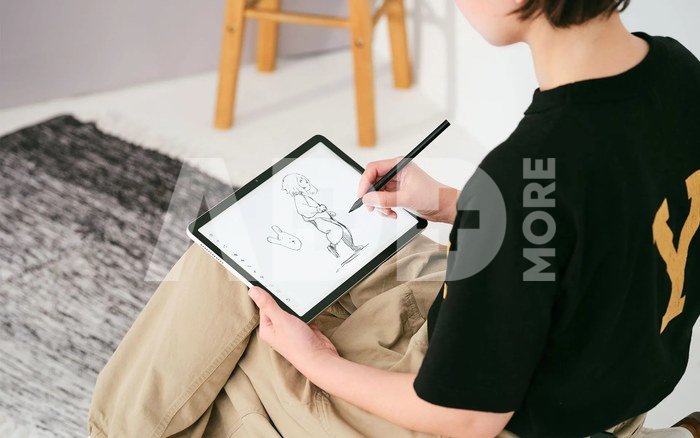
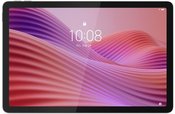
Step into digital creativity with Wacom MovinkPad 11 — a premium standalone Android drawing device crafted for the next generation of young artists. Designed to be your first creative companion, MovinkPad combines Wacom’s industry-leading pen technology with a portable, all-in-one experience that lets you draw whenever and wherever inspiration strikes.
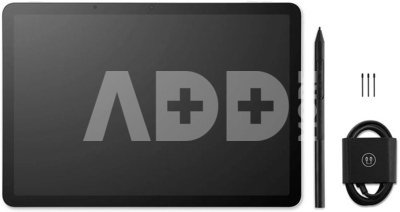
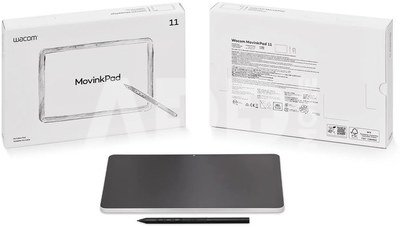
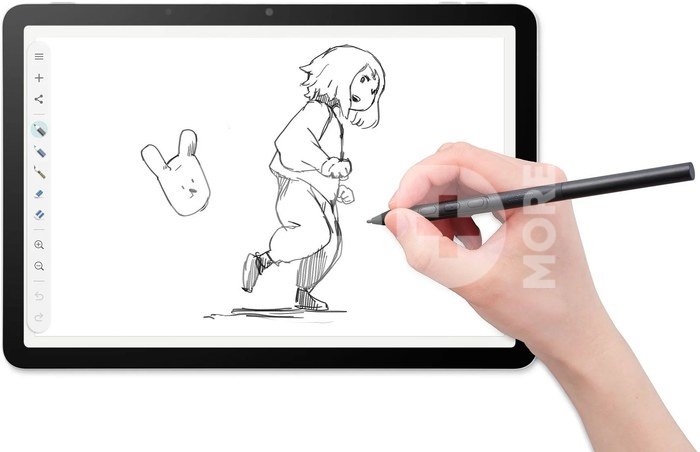
Whether you're sketching characters, exploring new styles, or just starting your artistic journey, MovinkPad offers the freedom to create with no PC required. With the included Wacom Pro Pen 3, preloaded creative apps, and a 2-year Clip Studio Paint license, it’s everything you need to bring your ideas to life — right out of the box.
- Standalone Android drawing device – no computer required
- Quick Draw: launch Wacom Canvas instantly with a tap of the pen
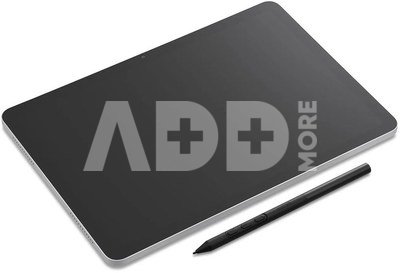
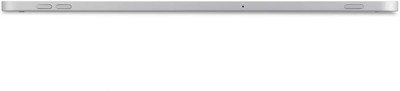
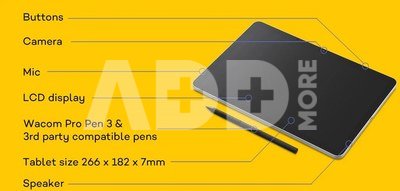
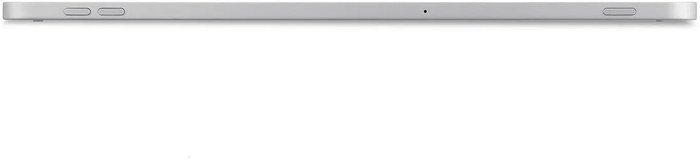
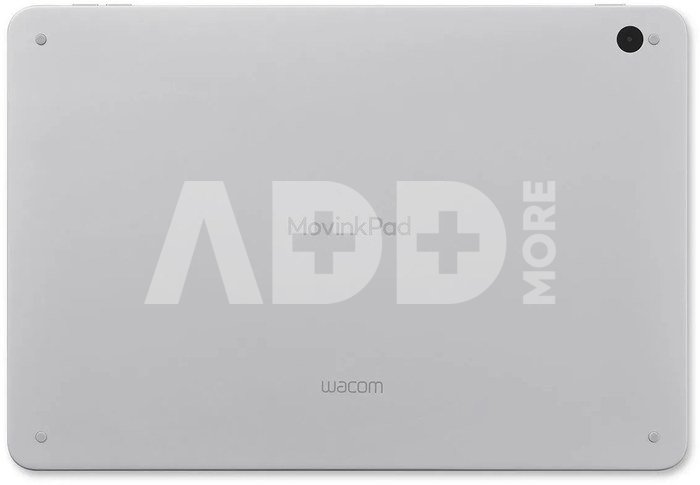
- Compact, slim, and beautifully designed for portable, everyday use
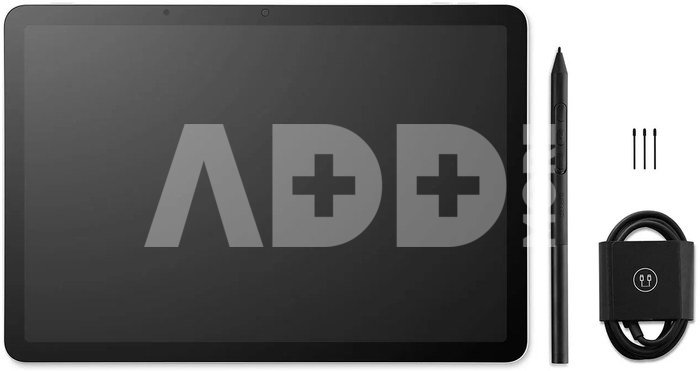
- Wacom Pro Pen 3 included – battery-free, precise, and customizable
- Anti-glare etched glass for a natural, paper-like drawing experience
- Seamless workflow: sketch in Wacom Canvas, finish in Clip Studio Paint DEBUT
- Wacom Shelf keeps all your sketches, artwork, and references organized
- Compatible with 3rd party pens like LAMY, Staedtler, Kaweco and more
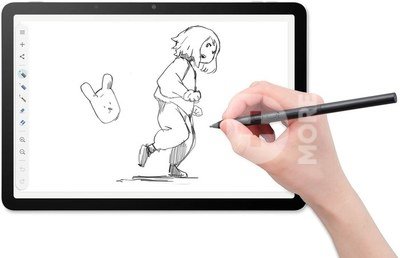
Standalone Drawing Tablet - For Beginners, Students, and Anyone Seeking Creative FreedomThe Wacom MovinkPad is a standalone drawing tablet through and through - no compromises. It combines everything a mobile creative needs in one device: a high-quality drawing experience powered by a fully independent Android operating system. That means no PC or other device is required. Lightweight, portable, and instantly responsive, it offers the familiar pen-on-paper feel that artists love. Paired with the Wacom Pro Pen 3, the MovinkPad becomes your dream creative team - all at a price that's hard to beat. And beyond drawing, the MovinkPad also functions like a full Android tablet, allowing you to stream content, browse the web, or use educational apps with ease.
Android Tablet for Drawing - With an Optimised WorkflowWith Wacom MovinkPad 11, your creative process flows naturally — from the first spark of an idea to a finished piece of art, all within one connected experience. Whether you're capturing a quick sketch on the go, refining your work with advanced tools, or picking up where you left off on your PC, every step is designed to keep your creativity moving forward — smoothly, intuitively, and without interruption.
Wacom CanvasLaunches instantly with Quick Draw. A simple, focused app that lets you start sketching the moment inspiration strikes — no setup, just like opening a sketchbook.
Clip Studio PaintSeamlessly continue your sketch in this powerful drawing app. Ideal for illustration, comics, and more, with professional tools tailored for beginners.
Wacom ShelfAutomatically saves and organizes your work. Find your sketches, references, and artworks all in one place — and easily open them later on another device like your PC.
Wacom Pro Pen 3 – Exclusive Edition with Nib holderBring the best of Wacom pen technology to your portable creative experience. The Wacom Pro Pen 3 included with the MovinkPad 11 delivers the trusted precision and natural feel Wacom is known for — now in a fully mobile, standalone device.
This exclusive edition includes a compact nib holder that doubles as a built-in nib remover, making it easier than ever to manage your tools wherever you are. It’s the perfect companion for creators who are always in motion.
- 8,192 levels of pressure sensitivity
- Battery-free, no charging required – always ready to draw
- 3 customizable side switches for quick access
- Improved ±60° tilt recognition for natural angles and shading
- Exclusive nib holder with integrated nib remover
- Powered by Wacom’s 3rd generation EMR technology
Compatible Pens for Creative FreedomWacom MovinkPad 11 is built for flexibility, supporting a wide range of Wacom EMR pens — including legacy UD models — as well as third-party EMR pens from trusted brands like LAMY, Staedtler, Kaweco, and even Samsung S Pens. Whether you prefer the included Pro Pen 3 or want to use a pen that matches your personal style, MovinkPad 11 gives you the freedom to draw your way — no pairing or charging required.
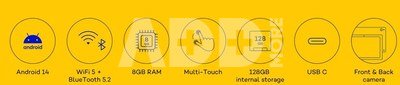
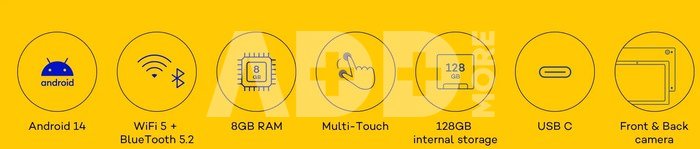
More Than Drawing — A Full Android ExperienceWacom MovinkPad 11 goes beyond creativity. As a fully functional Android 14 tablet with access to Google Play, it brings together everything you need for daily life, learning, and entertainment — all in one device. Whether you're drawing, studying, or relaxing, MovinkPad 11 is ready to support it.
- Download and use everyday apps like YouTube, Chrome, Gmail, and Google Drive
- Stream videos, listen to music, and browse the web
- Watch tutorials or join virtual classes
- Take notes, manage tasks, and stay organized with productivity tools
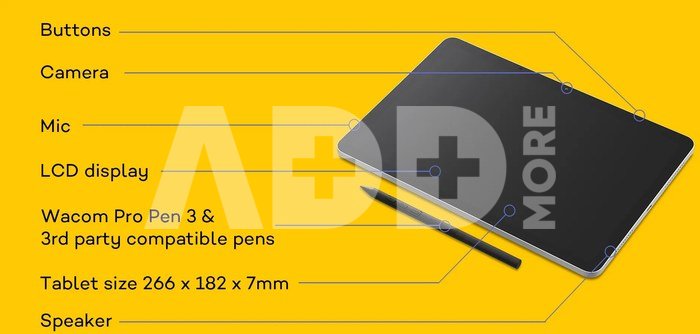
- Stay in touch through messaging, email, and video calls using the built-in cameras and mic
Clip Studio Paint – Included with MovinkPad 11Take your sketches to the next level with Clip Studio Paint, the popular drawing app for illustration, comics, and more. Designed to grow with you, it offers powerful tools in an easy-to-use format — perfect for creators starting their digital journey.
A 2-year license is included with your MovinkPad 11.
To activate: Log in to the Clip Studio Paint app on your device, then register your MovinkPad 11 through your Wacom ID to access and redeem your license key.*
*CSP and Wacom ID registration required. Terms apply.




















Atsiliepimai
0 vidutinis įvertinimas (0 įvertinimų)