Refresh Rate 180 Hz ensures an incredibly smooth, beautiful image
Do you play intensely, competing with others? Do you need a monitor that guarantees zero lag and an exceptionally smooth image? This monitor refreshes the image even 180 times per second, i.e. at a frequency that is actually higher than standard models. With lower refresh rates, opponents may appear as if theyre hopping from one place to another on the screen, making them a difficult target. The 180 Hz refresh rate eliminates this problem your opponent always moves extremely smoothly and can be easily tracked. Thanks to the exceptionally low input lag and the practically eliminated screen tearing effect, this Philips monitor is the ideal choice for gamers.
Small input lag shortens the signal transmission time from devices to the monitor
Input lag is the amount of time that elapses between performing an action using connected devices and the result being displayed on the screen. A small input lag shortens the delay between issuing a command via a device and having it received by the monitor, significantly improving the quality of gameplay in games that particularly require smooth performance, for example, fast-paced tournament games.
Fast response time 0.5 ms ensures a clear image and smooth gameplay
The Philips Evnia monitor with Smart MBR 0.5 ms effectively eliminates smearing and image blurring, providing a sharper and more transparent image in games. Dynamic action and dramatic transitions will be smoothly reproduced. The best choice for thrilling and fluid-demanding games.
Fast IPS Panel: for intense gameplay with a crystal-clear image
This feature is designed for action-packed games. Not only does it operate four times faster than a conventional IPS panel, but it also works excellently at high refresh rates, ensuring the highest quality gaming at fast speeds and guaranteeing a clear image.
16:9 Full HD display ensures excellent detail
Image quality matters. Ordinary monitors provide a certain level of quality, but you certainly expect more. This monitor offers enhanced Full HD resolution of 1920 x 1080. Full HD resolution ensures the clarity of details, which, combined with high brightness, incredible contrast, and natural colors, results in an image that captivates with realism.
High Dynamic Range (HDR) technology provides a more realistic, colorful image
High Dynamic Range technology provides an entirely new quality of viewing. Stunning brightness, unmatched contrast, and mesmerizing color make the image come to life. Bright colors are much brighter, and dark areas are even deeper and more nuanced. Thanks to a fuller palette of new, vivid hues never before seen on monitor screens, viewing becomes an inspiring experience that engages the senses and emotions.
SmartContrast provides deep blacks and richer detail
Philips SmartContrast technology analyzes the content displayed on the screen and automatically adjusts colors and backlight intensity. The image contrast is dynamically regulated to best reproduce the content of digital images and films, as well as the dark shades displayed in games. In economy mode, contrast and backlighting are adjusted to properly display the content of office applications while ensuring lower energy consumption.
LowBlue mode and Flicker-free technology are eye-friendly
LowBlue mode and Flicker-free technology have been developed to reduce eye strain caused by looking at a monitor for many hours.
EasySelect menu switch key allows quick access to the on-screen menu
A discreetly placed EasySelect menu switch key allows quick and easy adjustment of the monitors settings via the on-screen menu.
SmartImage Game Mode optimized for gamers needs
The new Philips monitor is designed for gamers. Its on-screen menu, which can be quickly accessed, offers many options. FPS (First Person Shooting) mode enhances the appearance of darker areas, helping to spot objects hidden in the darkness in games. Racing mode is characterized by a shorter response time, more vivid colors, and an appropriately adjusted image. RTS (Real Time Strategy) mode provides a special SmartFrame function that allows you to highlight certain areas and change the size and image settings. Meanwhile, the Gamer 1 and Gamer 2 options allow you to customize settings for different games and save them for optimal results.
Smart Crosshair: enhanced accuracy and fun
The crosshair color is set by default. When the Smart Crosshair function is enabled, the color will change to a complementary color to the background. The Smart Crosshair function increases accuracy, making it easier to spot enemies.
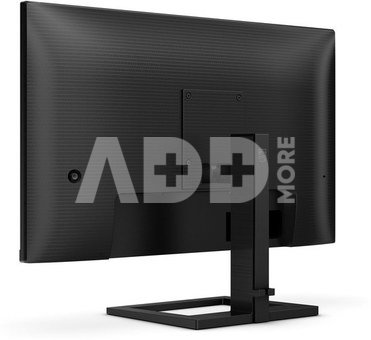
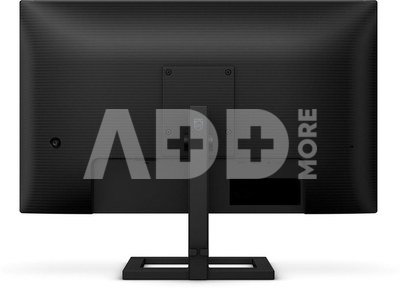
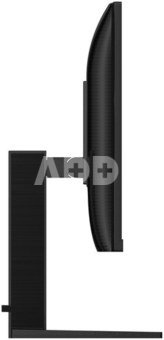
SmartErgoBase allows for personalized ergonomic adjustment
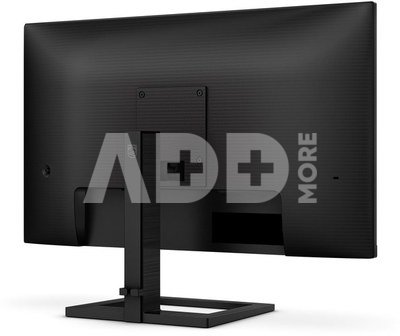
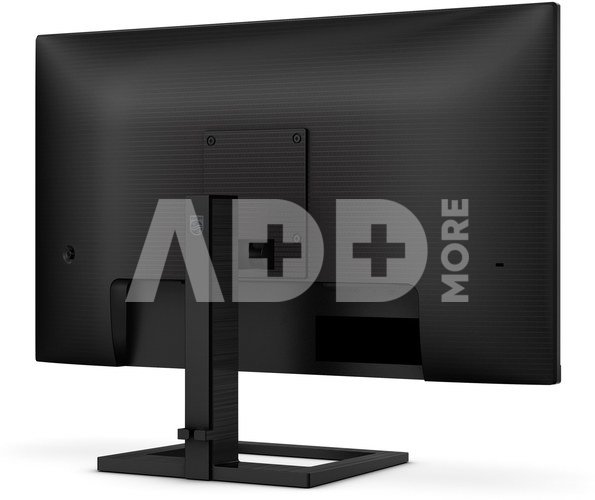
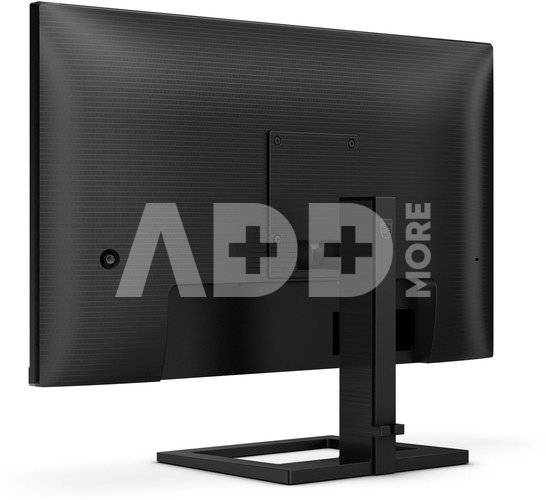
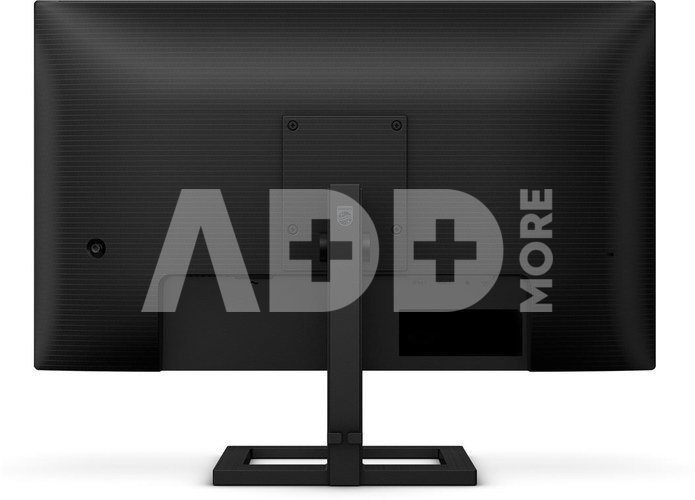
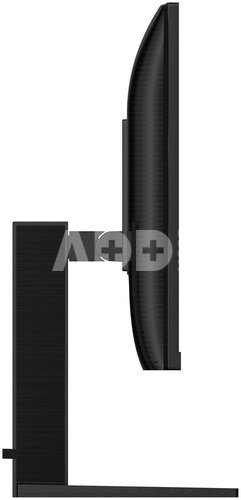
The SmartErgoBase stand allows ergonomic use of the monitor and cable management. The stand can be swiveled and tilted at various angles to provide maximum comfort. The height adjustment feature allows you to position the screen at the optimal level, reducing physical strain during a long day of work, and the cable management system reduces clutter and helps maintain order in your workspace.
Built-in stereo speakers for multimedia
The display is equipped with two high-quality built-in stereo speakers. They can be located on the front, bottom, top, back, etc., depending on the model and design of the device.


















Atsiliepimai
0 vidutinis įvertinimas (0 įvertinimų)