Exclusive Screen-to-Print Solution
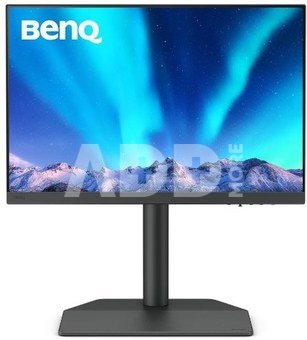
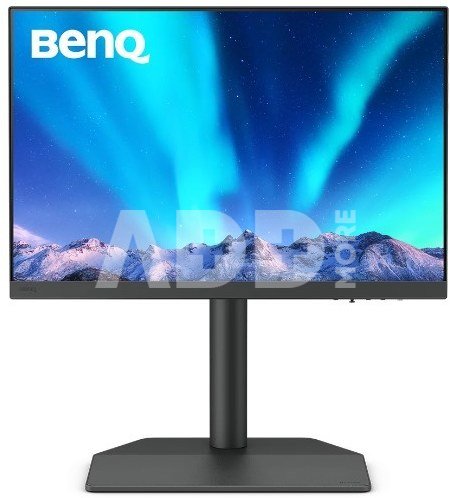
The SW242Q uses a thin-coated matte panel to eliminate reflections. This creates a visual experience simulating paper texture on the screen, and when combined with Paper Color Sync software, it provides the highest quality editing, allowing you to take your work from screen to print.
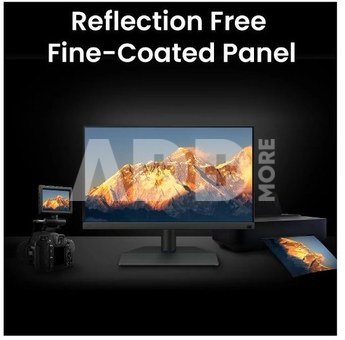
Glare-Free Retouching
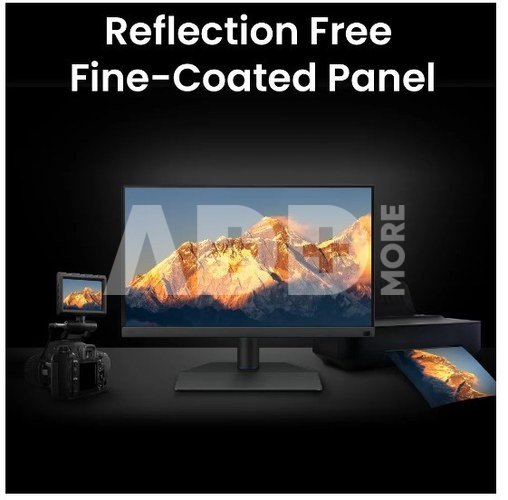
Certified by TUV Rheinland Reflection-Free, the SW242Q uses a fine-coated anti-glare panel to eliminate reflections and glare. This creates a visual experience of simulated paper texture on the screen, even under different types of ambient lighting.
Precise Soft-Proofing
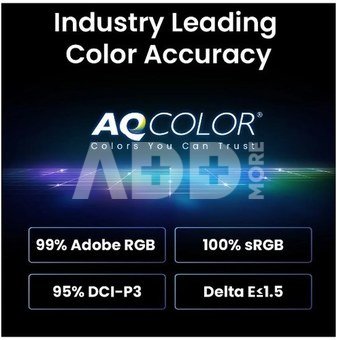
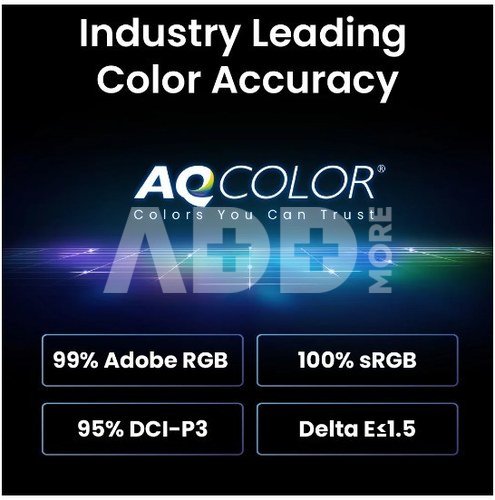
Offering the best creative experience with color consistency simulating paper texture on the screen and Paper Color Sync ensuring accurate prints, BenQ has achieved unparalleled color performance that exceeds industry standards.
Accuracy Guarantee
BenQ PhotoVue monitors are Calman Verified, Pantone Validated, and Pantone SkinTone Validated. Creative professionals demand excellent color quality, and BenQ delivers. Whats more, the SW242Q supports the worlds leading video calibration software, Calman and ColourSpace. Customize your displays 3D LUT (lookup table) for accuracy and consistency at all levels.
Simple and precise hardware calibration
Calibrate your monitor effortlessly with BenQs exclusive hardware calibration software, Palette Master Ultimate. Select your color gamut with intuitive user interfaces and achieve optimal color consistency in just three simple steps.
Pantone Connect Premium
Go digital with BenQ, the first brand to partner with Pantone on a mobile app. As an existing owner or new buyer of BenQ professional monitors, you will receive one year of free Pantone Connect Premium to ensure color consistency and accuracy on mobile devices.
SDI Device Compatibility with HDMI
Connect your SDI devices to the monitor to achieve stable and uncompressed signal transmission and true video image quality.
HDR10 Support
HDR10 compatibility makes it ideal for previewing the HDR effect of video content during the editing process to achieve the best results.
P3 Color Preview
The wider P3 color coverage provides the most accurate colors, providing an accurate preview of video projects.
Chroma Sampling Support
Combined with the above video format compatibility, SW242Q supports 4:4:4, 4:2:2, and 4:2:0 sampling to determine the fidelity of the monitor.
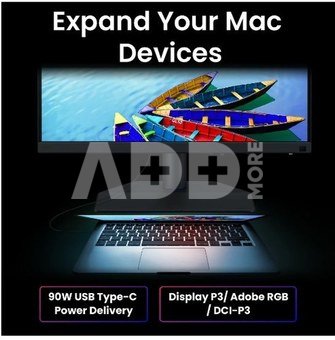
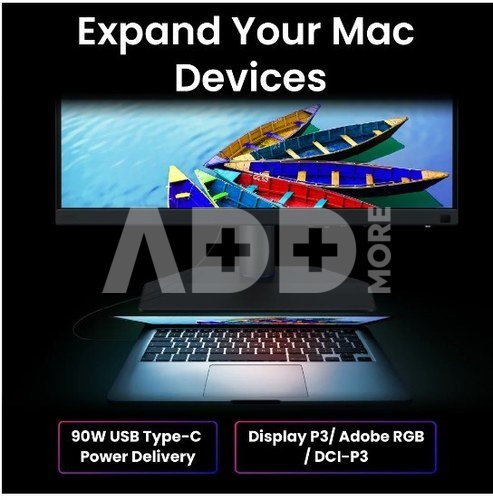
Expand Your Mac Devices
High-speed data transfer and up to 90W power delivery. Your Thunderbolt 3/4 devices are compatible with USB-C on BenQ monitors, ensuring consistent and smooth work efficiency
Unleash Creativity and Comfort
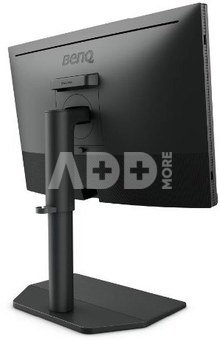
Set your monitor for optimal comfort. With various tilt, swivel, and pivot control points, whether youre working on a project or presenting your ideas to clients, youll always find the right spot and angle to do it.
Hassle-free Connectivity
Fast data transfer and up to 90W power delivery. Your Thunderbolt 3/4 devices are compatible with USB-C on BenQ monitors, ensuring a steady and smooth workflow.
Elegant Leatherette Stand
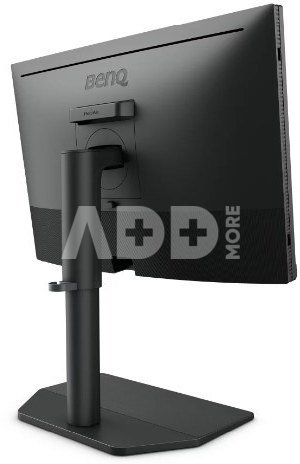
The leatherette stand not only elevates the elegance of your workspace, but also saves space for whats really important.
BenQ Green Commitment: Sustainability Vision
BenQ prioritizes eco-friendly practices in the development of our products, underscoring our commitment to sustainability. BenQ professional monitors feature eco-friendly technology, recycled materials, and energy-saving design.
Svoris
12 kg
Garantinis laikotarpis
36 mėnesių
Pristatymo laikas
10-14 d.d.
Aptarkite su konsultantu Kaune
Neturime
Kaunas Adresas: Birželio 23-iosios g. 23g Darbo laikas: I-V 09:00 - 18:00 VI-VII nedirba Telefonas: +370 674 59488
Aptarkite su konsultantu Klaipėdoje
Neturime
Klaipėda Adresas: Taikos pr. 17 Darbo laikas: I-V 10:00 - 19:00 VI 10:00 - 14:00 VII nedirba Telefonas: +370 604 43972
1. Į kokius veiksnius turėčiau atsižvelgti rinkdamasis monitorių žaidimams?
Renkantis žaidimų monitorių, svarbūs keli veiksniai. Ieškokite monitoriaus su dideliu atnaujinimo dažniu (pvz., 144 Hz ar didesniu), kad judesiai būtų sklandesni, mažu įvesties vėlavimu, kad tarp jūsų veiksmų ir atsako ekrane būtų minimali delsa, ir prisitaikančiomis sinchronizavimo technologijomis, pavyzdžiui, "G-Sync" arba "FreeSync". Apsvarstykite skydelio tipą; IPS skydeliai užtikrina geresnį spalvų tikslumą ir geresnius žiūrėjimo kampus, o TN skydeliai pasižymi greitesniu atsako laiku. Taip pat svarbi skiriamoji geba ir ekrano dydis, priklausomai nuo jūsų pageidavimų ir žaidimų įrangos galimybių.
2. Kaip skiriamoji geba veikia monitoriaus aiškumą ir kokia skiriamoji geba tinka mano poreikiams?
Skiriamoji geba yra esminis monitoriaus aiškumo aspektas, rodantis pikselių skaičių ekrane. Didesnės skiriamosios gebos, pavyzdžiui, 1440p (Quad HD) arba 4K, užtikrina ryškesnį vaizdą ir didesnę ekrano erdvę. Bendram naudojimui, įskaitant produktyvumo užduotis ir turinio vartojimą, dažnai pakanka 1080p (Full HD). Jei užsiimate grafiniu dizainu, vaizdo įrašų redagavimu ar žaidimais, didesnės raiškos ekranai gali pagerinti vaizdo patirtį. Tačiau, norint užtikrinti optimalų veikimą, būtina įsitikinti, kad jūsų vaizdo plokštė gali dirbti su pasirinkta skiriamąja geba.


















Atsiliepimai
0 vidutinis įvertinimas (0 įvertinimų)