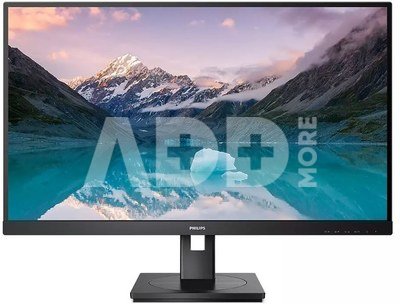
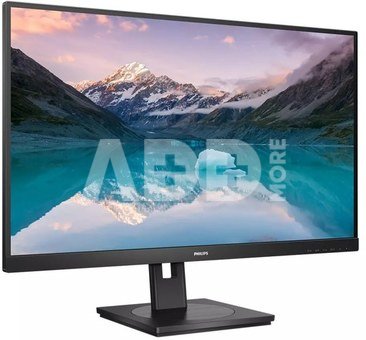
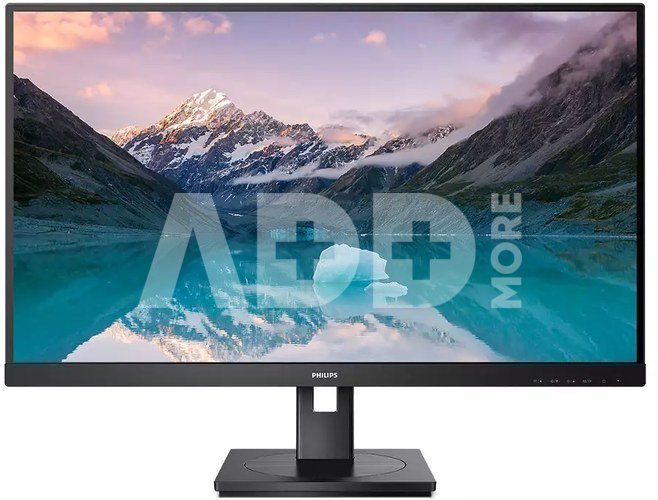
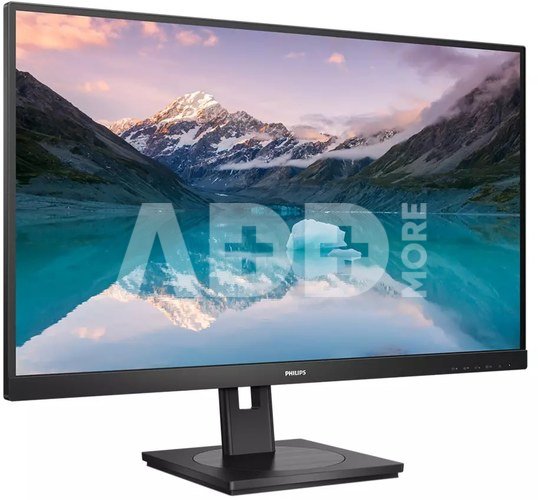
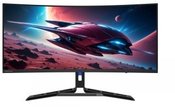
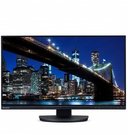
A monitor with a VA panel allows you to enjoy great image quality and wide viewing angles
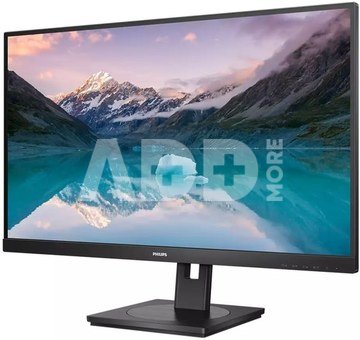
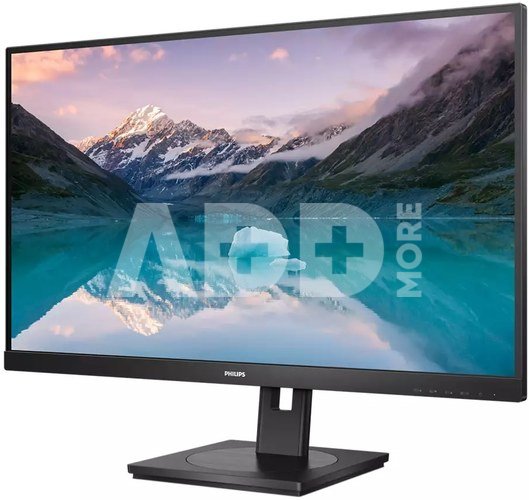
The Philips VA LED monitor uses advanced multi-function vertical image adjustment technology, which ensures an extremely high static contrast ratio, resulting in a very vivid, bright image. It is an ideal solution both for standard office applications, as well as for displaying photos, websites, movies and games, as well as for using demanding graphics applications. Optimized pixel management technology additionally provides extremely wide viewing angles of 178/178 degrees, which translates into excellent image clarity.
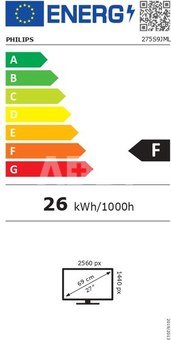
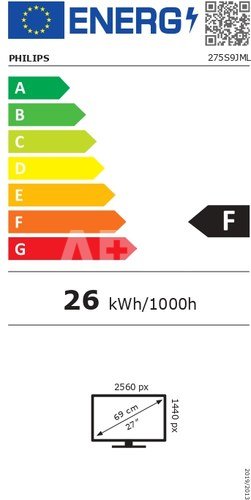
Extremely clear image in Quad HD resolution of 2560 x 1440 pixels
Philips monitors display crystal clear images in Quad HD resolution of 2560 x 1440 or 2560 x 1080 pixels. The highest quality matrix with high pixel density, as well as support for high-bandwidth connection standards such as USB-C, DisplayPort, HDMI allow you to breathe life into every image and graphics. It is an ideal choice for demanding designers working with CAD-CAM software, graphic designers using 3D applications or financiers who use large spreadsheets on a daily basis.
SmartImage presets provide easy access to optimized image settings
SmartImage is the latest exclusive Philips technology that analyzes the content displayed on the screen and ensures optimized display performance. This user-friendly interface allows you to select different modes such as: Office, Photos, Videos, Games, Savings, etc. to suit the application you are using. Based on this selection, SmartImage technology dynamically optimizes the contrast, color saturation and sharpness of photos and videos to ensure the best display performance. Economy mode allows you to save energy. And all this in real time at the touch of a button!
Less eye strain thanks to Flicker-free technology
Due to the way brightness is controlled in LED-backlit screens, some users notice flickering on their screens, which causes eye strain. Philips Flicker-free technology uses a new technology to correct brightness and reduce flicker for a more comfortable viewing experience.
LowBlue mode allows you to work in a way that is healthier for your eyes
Research has shown that just as ultraviolet rays can damage your eyesight, the short blue rays emitted by LED displays can also have a negative impact on your eyes and contribute to poor eyesight over time. Developed by Philips specifically for your health and well-being, LowBlue mode reduces harmful blue radiation emissions using intelligent software.
Built-in stereo speakers for multimedia
The display is equipped with two built-in high-quality stereo speakers. They can be located at the front, bottom, top, back, etc., depending on the model and design of the device.
SmartErgoBase enables individual ergonomic adjustment
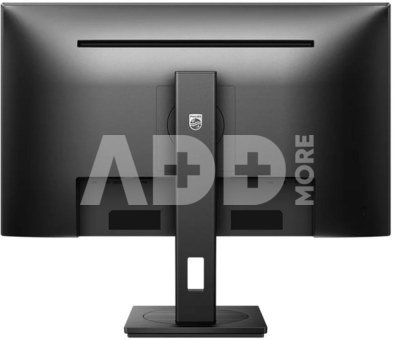
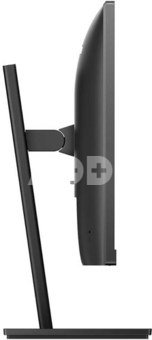
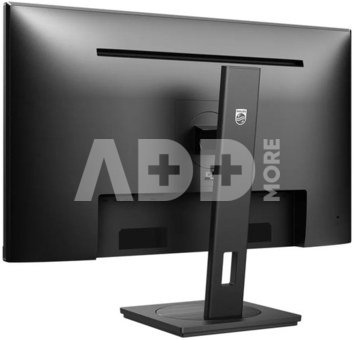
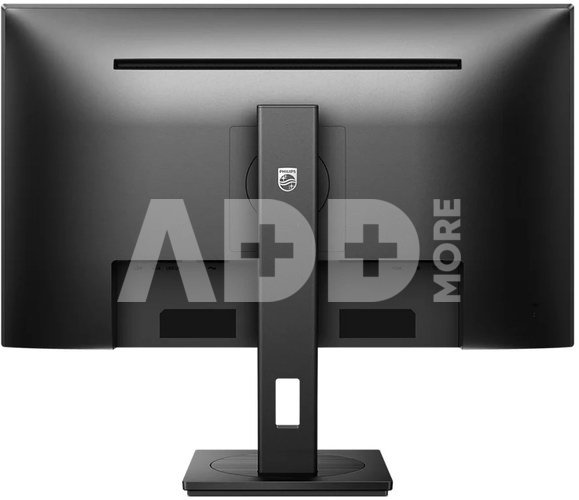
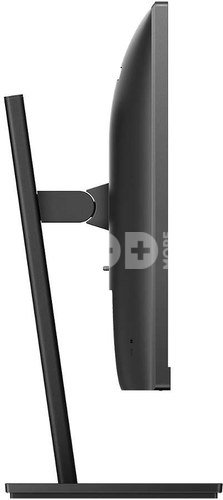
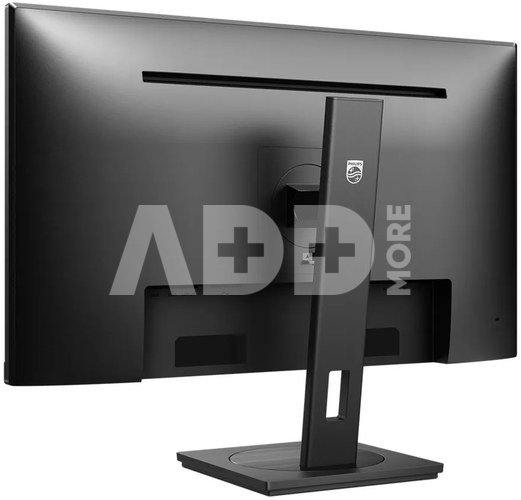
The SmartErgoBase base enables ergonomic use of the monitor and cable management. The base can be rotated and tilted to various angles for maximum comfort. The height adjustability allows you to position the screen at the optimal level, reducing physical strain during a long workday, and the cable management system reduces cable clutter and helps keep your workspace tidy.
HDMI provides universal digital connectivity
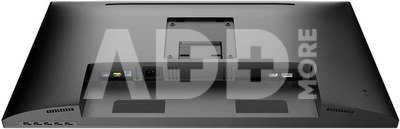
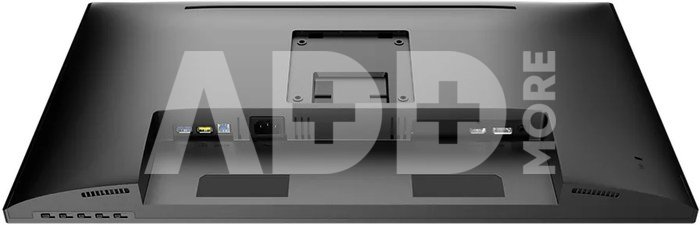
A device with an HDMI connector is equipped with the equipment needed to receive a high-quality signal transmitted via the HDMI interface. Using one HDMI cable, you can transmit high-quality digital image and sound from a computer or from any number of audio-video sources (including set-top boxes, DVD players, AV receivers and video cameras).
DisplayPort connection ensures excellent visuals
The DisplayPort connector enables a digital connection between a computer and a monitor, without any conversion. Thanks to capabilities greater than those offered by the DVI standard, it is able to handle cables up to 15 meters long and transmit data at a speed of 10.8 Gb/s. High performance and no lag ensure the fastest imaging and highest refresh rate. Thanks to this, the DisplayPort connector is perfect not only for normal use in the office or at home, but also when playing games, watching movies, image editing, etc. It also guarantees cooperation with other devices thanks to the use of various adapters.


















Atsiliepimai
0 vidutinis įvertinimas (0 įvertinimų)