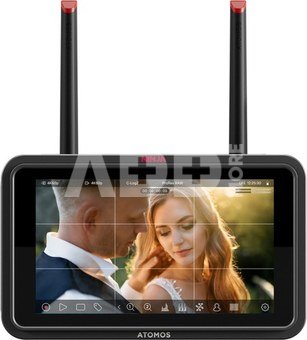
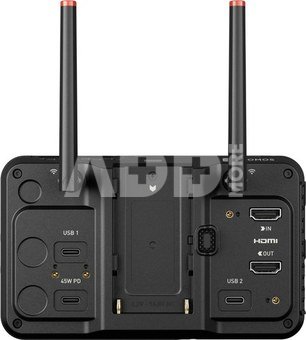
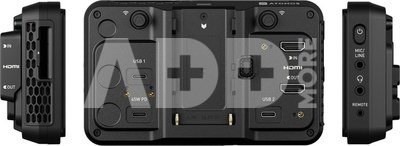
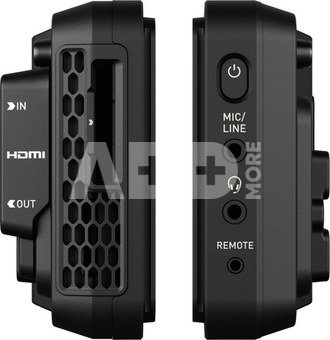
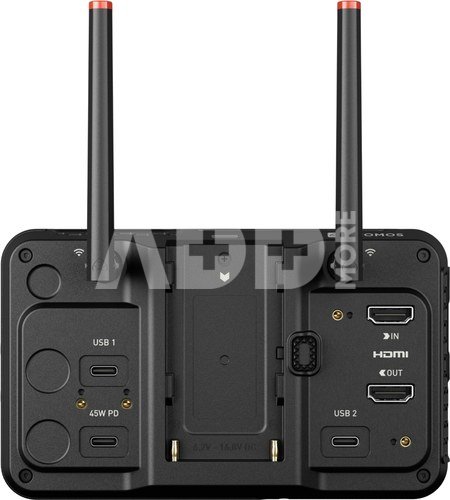
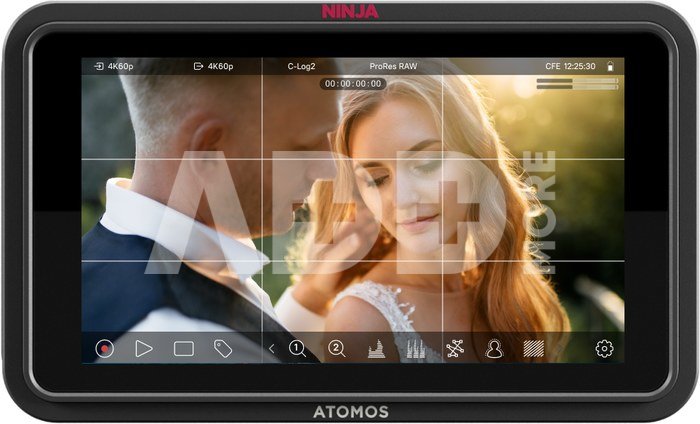
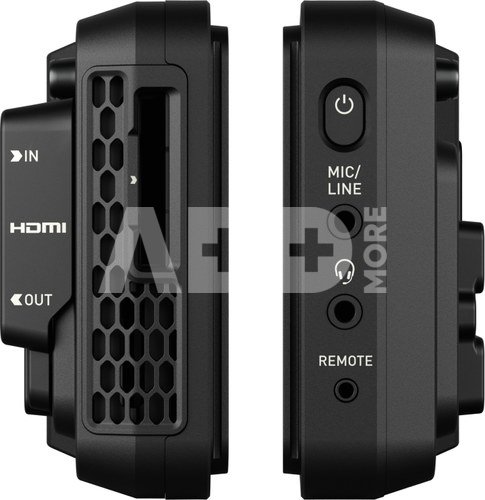
The Ninja TX GO combines HDMI input/output, Apple ProRes/RAW recording to ultra-fast CFexpress or external USB media , and offers a complete set of professional monitoring tools, camera control, and touch-to-focus . The device has an integrated camera-to-cloud function, supports streaming via NDI 6, and runs on the fast AtomOS (Linux) platform.
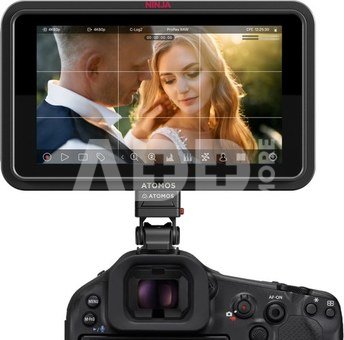
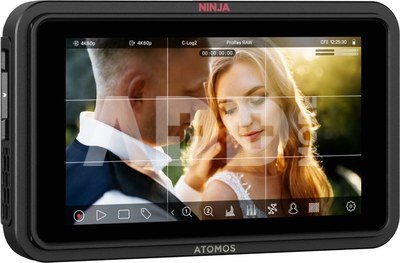
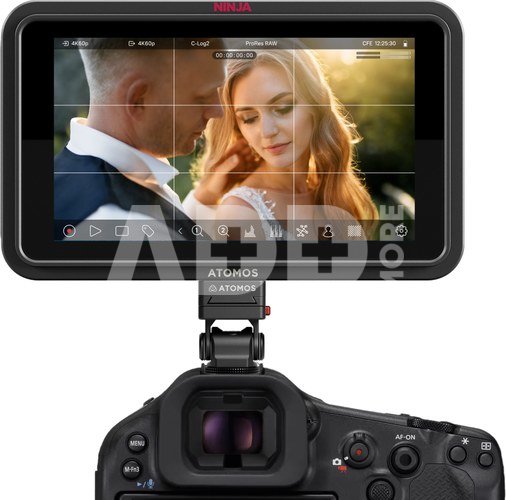
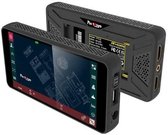
The Ninja TX GOis a new HDMI monitor-recorder that brings the performance of the award-winning Ninja TX to an even wider community of filmmakers and creators. Designed for cameras with HDMI output, Ninja TX GO combines a brighter display, advanced monitoring tools, professional codecs, camera control, and cloud connectivity-all in one compact device. It is ideal for content creators using HDMI DSLRs and mirrorless cameras.
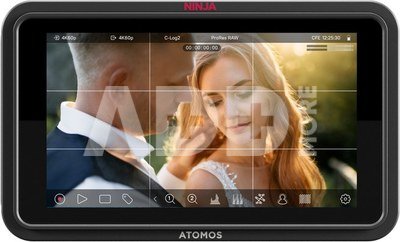
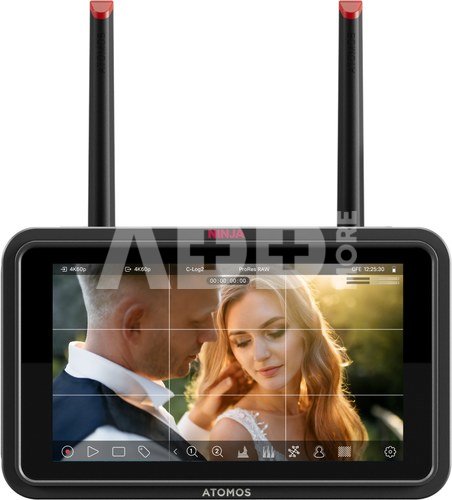
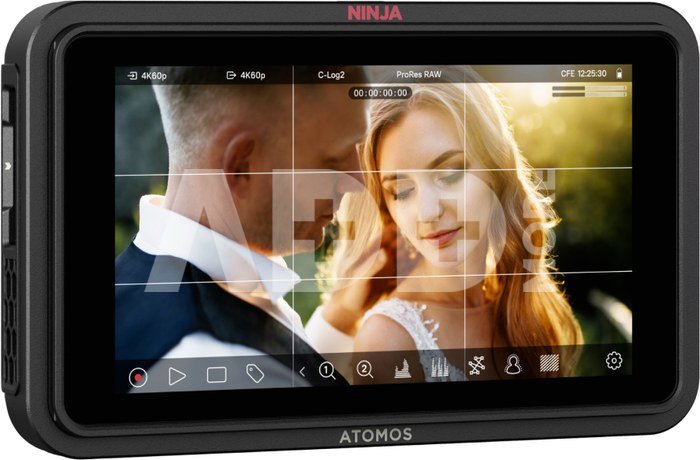
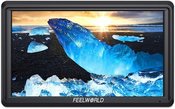
With a 5-inch HDR touchscreen display with 1500 nits of brightness, the Ninja TX GO offers a much better monitoring experience than built-in camera displays. It includes professional tools such as EL Zone™, waveform, vectorscope, focus peaking, and more, giving content creators full control over composition, exposure, and color accuracy right on set.
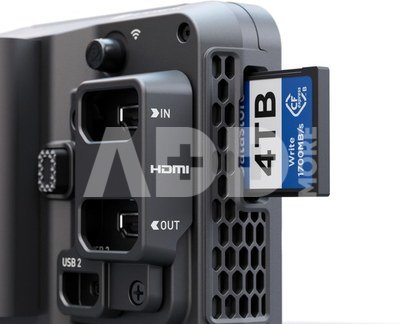
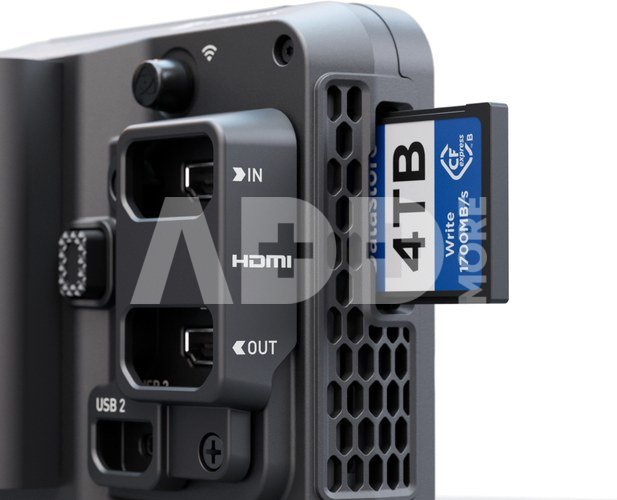
The Ninja TX GO records directly to CFexpress Type B storage or external USB-C SSDs and supports Apple ProRes, ProRes RAW, Avid DNx, and H.265/H.264 formats, ensuring maximum flexibility in post-production workflows.
WithRAW-capable HDMI inputs, it can record up to 6Kp30 RAW, providing exceptional image quality from today's leading mirrorless and DSLR cameras.
What really sets the Ninja TX GO (and Ninja TX) apart from previous Ninja models is its integrated camera control- a free feature that allows you to directly adjust exposure parameters such as aperture, shutter speed, and ISO on supported cameras from Canon, Fujifilm, Nikon, Panasonic, Sony, Z CAM, and others. This makes the Ninja TX GO a complete tool for monitoring, recording, and controlling your camera-all in one device.
TheNinja TX GO has built-in Wi-Fi for seamless camera-to-cloud operation, including 20 GB of free ATOMOSphere cloud storage, which allows direct uploading to ATOMOSphere, Frame.io, Dropbox, and other services, or live streaming via NDI 6/HX3.
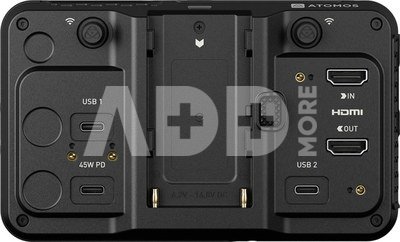
For those who need even more advanced capabilities, the Ninja TX, launched earlier this year, offers SDI input/output, AirGlu wireless timecode, and expanded 8Kp30 RAW recording capabilities for film cameras. Both models run on the new AtomOS platform, which provides faster performance, over-the-air updates, and an improved user experience. A robust locking HDMI and USB-C cable system ensures reliability even in the most demanding production conditions.
Key features:
- Recording up to 6Kp30 RAW via HDMI
- Encoding to Apple ProRes / ProRes RAW / Avid DNx / H.265 / H.264
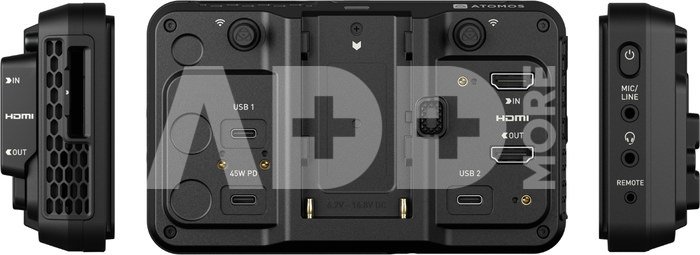
- Recording to CFexpress Type B or external USB-C storage
- Super-bright 5" touchscreen (1500 nits)
- Free camera control and touch-to-focus on supported models
- Built-in Wi-Fi 6E for camera-to-cloud workflow
- NDI 6 / HX3 TX/RX streaming
- AtomOS operating system (Linux-based) with OTA updates
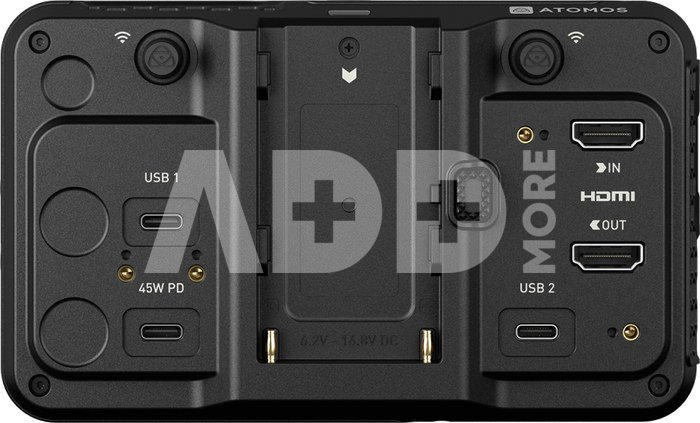
- Secure HDMI/USB-C cable locking system
- Power via USB-C, NP-F battery, or AC adapter
Package contents:
- Ninja TX GO monitor-recorder
- Adapter for USB-C locking cable
- Adapter for HDMI locking cable
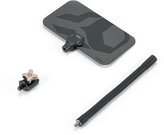
- 2× Wi-Fi antenna
- 5× colored antenna caps (black, white, yellow, green, red)
- 2× antenna caps
- USB-C locking cable (45 cm)
- Quick Start Guide
















Atsiliepimai
0 vidutinis įvertinimas (0 įvertinimų)