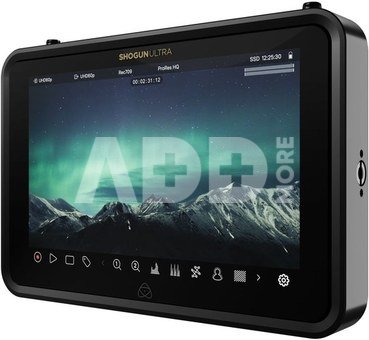
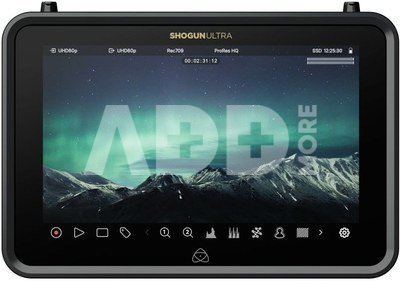
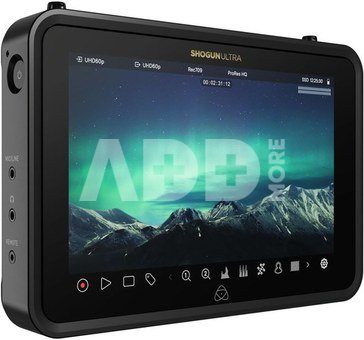
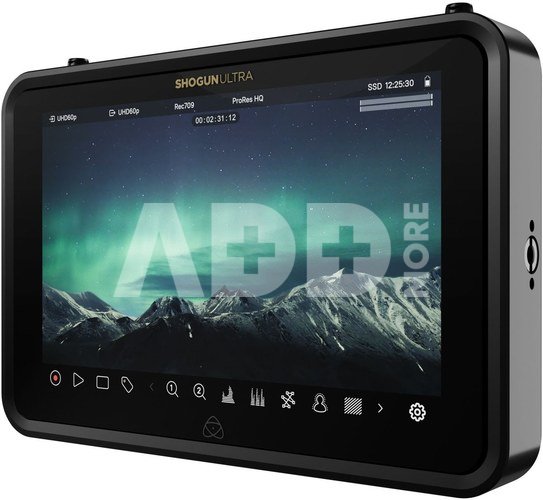
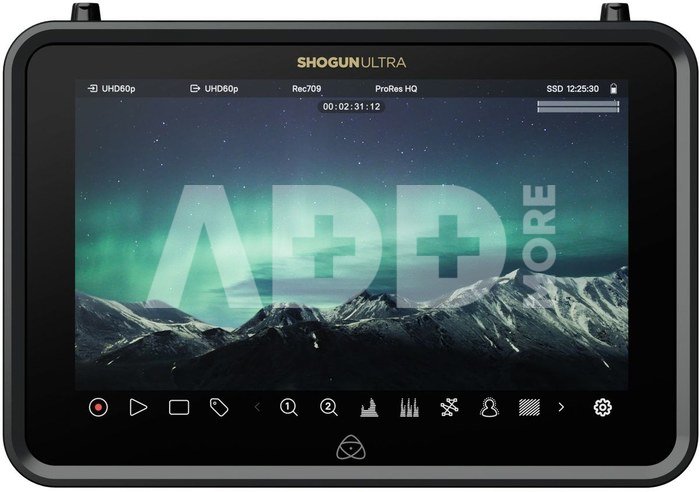
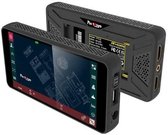
The latest generation of Shogun, Shogun and Shogun Ultra camcorder/monitors builds on the new Ninja models and introduces the all-new AtomOS 11 operating system with a host of innovations including the EL Zone exposure tool, ARRI False Color display and new tools for scheduled playback and recording. Both models now offer multiple codecs as standard: 6K Apple ProRes RAW (8K on the Shogun Ultra), Apple ProRes, DNxHD and also H.265, which was previously available as a paid extension. On sale as of 10/2023.
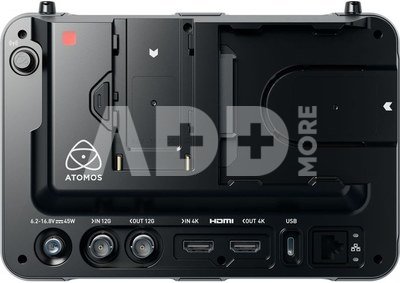
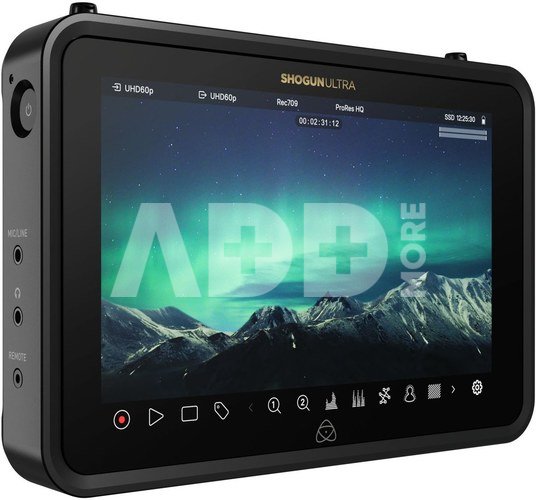
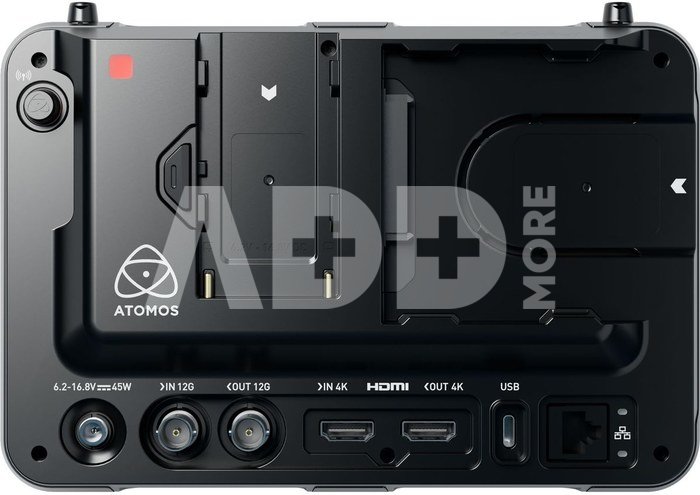
The main differences between the new Shogun and Ninja series are the brighter 7" screen (2000 cd/m2) of the Shogun models, and the enhanced connectivity. The Shogun models offer both 12G-SDI and HDMI inputs/outputs and can therefore be used for signal conversion. Shogun models also have more power options, thanks to an NP battery slot and DC power input with a 2.1mm locking connector.
The Shogun Ultra has been designed with filmmaking workflows in mind and can record full-quality files in ProRes RAW format up to 4Kp60 resolution, as well as HD 60p to H.265 format. It supports automatic file name matching, timecode and recording from ARRI, Canon, Sony and RED cameras.
The Shogun and Shogun Ultra's new cloud-based 4K mode allows you to upload H.265 video at a much higher bitrate and frame rate. H.265 files are about half the size of H.264 codec videos, yet small enough to work with the cloud, and high enough quality for immediate use on social media: sports broadcasts, news sessions, etc.
Both Shogun models can take advantage of Atomos RemoteView - a brand new technology that allows live views from Atomos monitors to be shared wirelessly with other Atomos monitors, as well as iPads, Macs and Apple TV. You can watch what's happening on set via any connected camera that's capturing footage, from anywhere in the world. RemoteView completely changes the game for remote production. In addition, the Shogun Ultra variant provides lower latency connectivity to the cloud and higher throughput and reliability with Wi-Fi 6E support.
News overview
- All-new AtomOS 11 - faster, clearer and with more features
- Multiple codecs including 6K ProRes RAW, ProRes, DNxHD and H.265 included
- 4K H.265 and 4K high bitrate recording to the cloud (for Classic and Premium Atomos Cloud subscribers)
- Enhanced EL ZONE exposure features and ARRI Fade Color preview
- RecordAssist feature allows you to schedule a recording start time
- PlaybackAssist allows you to set media playback time
- Time-lapse recording setup/control
- Segment Pro for automatic file splitting when a set size is reached (end of 2023)
- RemoteView for sharing live camera views over the internet
- Fast and stable Wi-Fi 6 internet connection
- Shogun Ultra: Dual 4Kp60 ProRes RAW recording and cloud storage proxy
- Shogun Ultra: SDI Cine with automatically assigned file names from ARRI, Canon, RED and Sony cameras
- Shogun Ultra: Wi-Fi 6E support
- Shogun Ultra: NDI 4K TX support


















Atsiliepimai
0 vidutinis įvertinimas (0 įvertinimų)