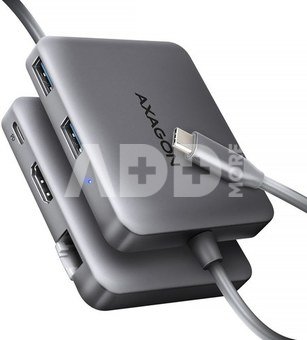
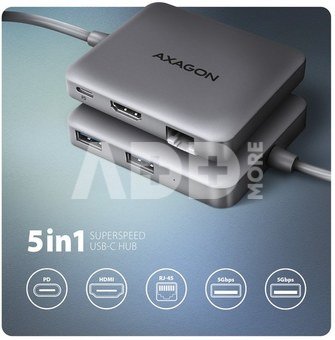
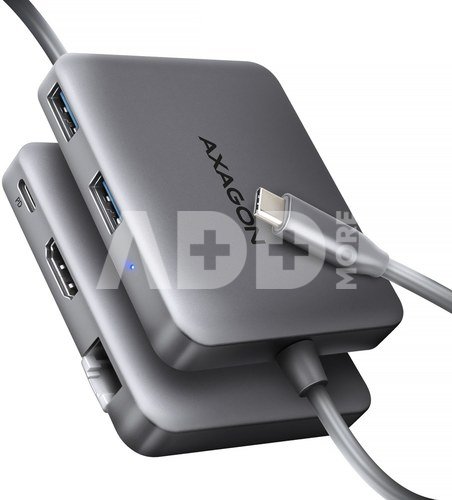
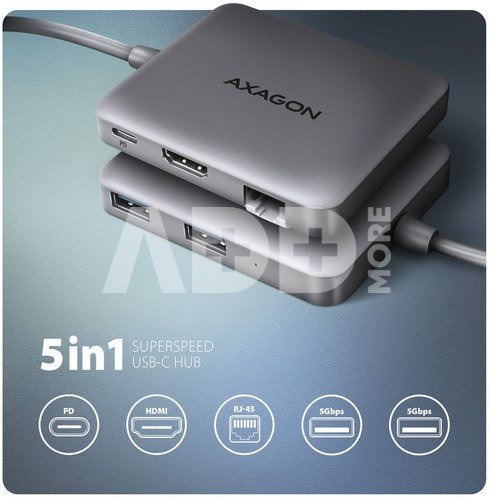
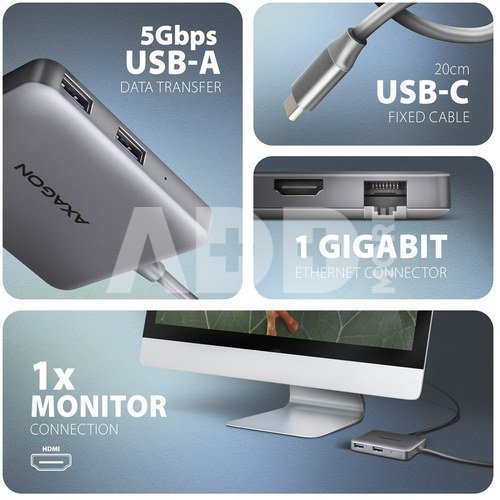
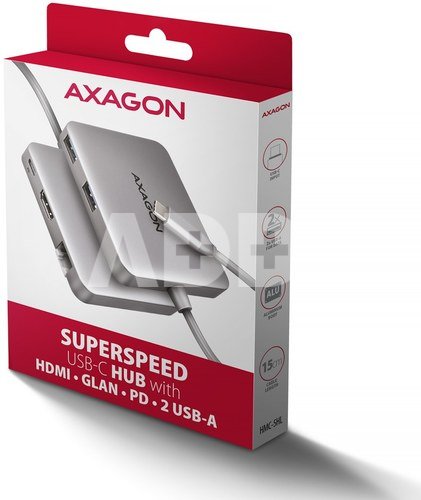
The multi-port USB-C 5Gbps hub AXAGON HMC-5HL expands your laptop with five ports. You can easily and quickly connect a monitor, two USB devices and a Gigabit Ethernet network to the computer at the same time via the double-sided USB-C connector. You also get the possibility to supply laptop using Power Delivery technology. The USB-C hub will provide you with a universal and powerful 5in1 docking station for modern laptops.
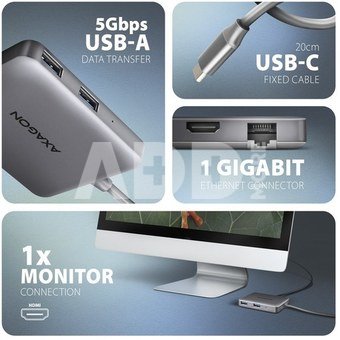
The USB hub offers two USB outputs with standard USB-A connectors. The hub can also handle permanent connection of several external drives simultaneously. Transfer rate up to 5Gb/s thanks to the fast USB 3.2 Gen 1 interface. The hub will also enable charging of phones and tablets with a current of up to 1.5A/5V, so you can easily charge e.g. Android smartphone, Apple iPhone, Apple iPad etc.
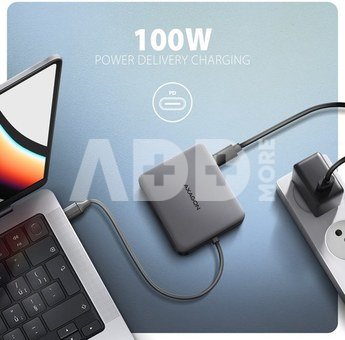
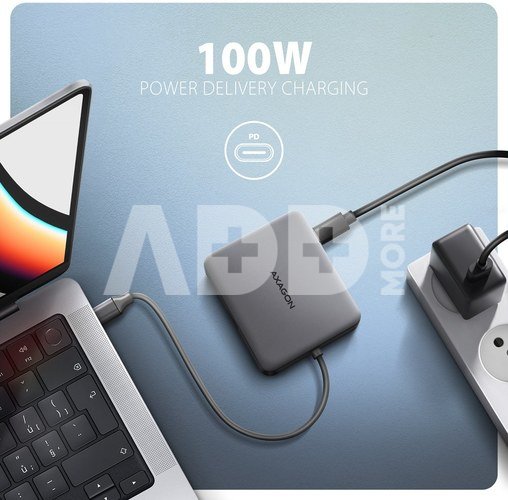
The USB-C connector is reserved only for powering and simultaneous charging of laptops using Power Delivery 3.0 technology with a power of up to 100W. Connect the USB-C Power Delivery charger to the hub and connect the hub to the laptop. This saves one USB-C port. The condition is a laptop with Power Delivery charging support from the USB-C port and a suitable PD charger.
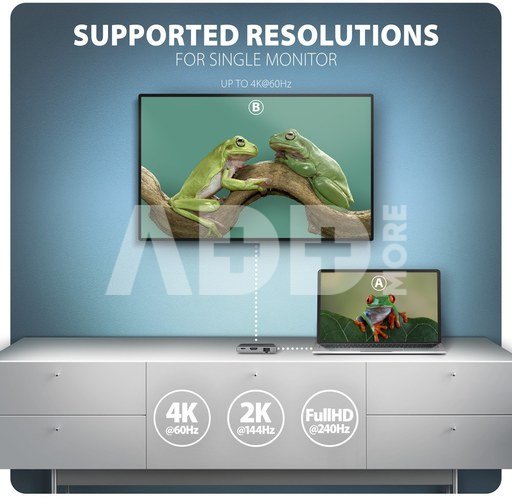
HDMI video output provides high-quality images up to 4K/60Hz Ultra HD resolution. High frequencies at popular gaming resolutions of 2K/144Hz or FullHD/240Hz are also supported. Thanks to HDR (high dynamic range) support, you can enjoy a significantly expanded range of colors and contrasts without restrictions. DisplayPort Alternate Mode (DP Alt Mode) enabled USB-C port or Thunderbolt 3/4 port is necessary for the proper function of video output.
Gigabit network card extends your computer by a fast and stable network connection, adds the missing RJ-45 network connector or another network card.
The aluminum cover ensures mechanical durability and cooling of the USB hub. Thanks to the Plug and Play and Hot Plug functions, connecting the hub itself is very simple without complicated installation, and peripherals can also be easily connected and disconnected while the computer is running.
Input:
USB 5Gbps (USB 3.2 Gen 1 / USB 3.0).
Compatible with Thunderbolt 3/4.
Connection via reversible USB type C female connector.
USB outputs:
2x USB 5Gbps port, USB-A female connector.
1x Power Delivery port (power only), USB-C female connector.
USB-C hub can handle the connection up to two external drives simultaneously.
Charging of mobile devices (including iPad) with a current of up to 1.5A from the hub's USB-A ports.
Video output:
1x HDMI A port, HDMI A female connector.
4K resolution 4096 x 2160 at up to 60Hz.
2K / WQHD resolution 2560 x 1440 at up to 120Hz.
FHD resolution 1920 x 1080 at up to 240Hz.
Support for the above max. supported resolutions and frequencies requires connection to a computer with DisplayPort version 1.4.
For the video output function, the hub must be connected to a USB-C port supporting DisplayPort Alternate Mode (DP Alt Mode) or to a USB-C port supporting Thunderbolt 3/4. A suitable OS is also required. The video output function will not be available without these requirements.
HDR support (High dynamic range, 10 bit support) - realistic reproduction of light and dark details.
HPD (Hot-Plug-Detect) support.
TMDS (Transition Minimized Differential Signalling) support.
HDCP 1.4 and 2.3 (High-bandwidth Digital Content Protection) full support.
Support for 2-channel audio sampling rate up to 192 kHz and up to 24-bit audio - depends on source and end device, i.e. laptop/phone and TV/monitor/AV receiver.
RJ-45 output:
Gigabit Ethernet interface with RJ-45 connector for UTP or STP cable connection.
Supported transmission rates for the Ethernet interface 10/100/1000 Mb/s.
Supported IEEE 802.3 10Base-T, IEEE 802.3u 100Base-TX, IEEE 802.3ab 1000Base-T specifications.
10/100/1000 Mb/s auto-detection.
Wake-on-LAN support.
Power Delivery:
Power Delivery 3.0 support device power supply from the wall charger via USB-C hub.
Maximum power supply power via PD USB-C hub output 100W - 20V/5A.
Required PD support from the device (laptop, phone) and a suitable PD wall charger.
Other features:
Possibility to connect your device while running thanks to the Hot Plug support.
Full Plug and Play support.
Standby mode support.
Power via USB bus - USB bus power or from PD wall charger.
Heavy-duty aluminium body for better hub cooling. Higher surface hub temperature is not a problem - the heat generated by the hub operation is better dissipated and transferred to the surroundings.
The blue LED indicates with constant light the hub connection to the computer.
High quality shielded cable ensures fast communication speed and minimal unwanted interference.
Dimensions 65 x 77 x 15 mm.
Weight 61 g.
USB-C male cable length 19 cm
Supported operating systems:
Windows 10 / 11 and later macOS, Linux, Android a Chrome OS.
Compatibility depends on the operating system and device manufacturer support.
DisplayPort Alternate Mode (DP Alt Mode) is only supported in updated OS and also depends on support from device (notebook, phone) manufacturer.
Graphics card drivers may also affect the correct operation of the product. We recommend downloading the latest version of drivers.
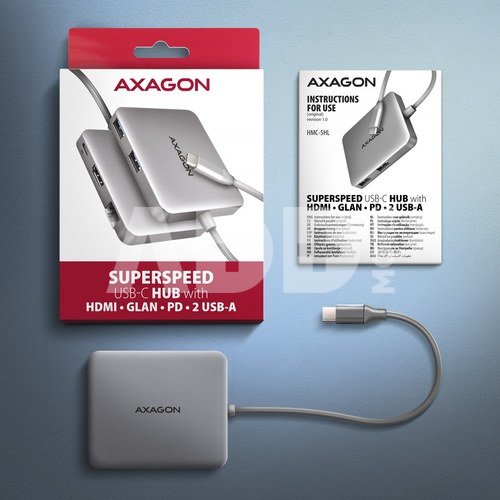
Package contains:
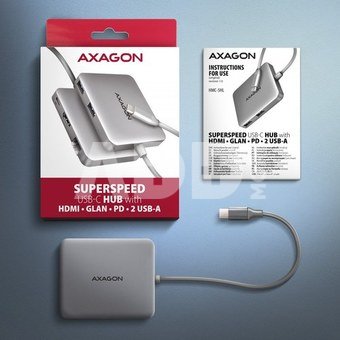
USB-C hub,
multilingual manual CZ / DE / DK / ENG / ESP / FIN / FR / GR / HR / HU / IT / NL / PL / PT / RO / RU / SK / SWE / BG / CN / TR / ARA,
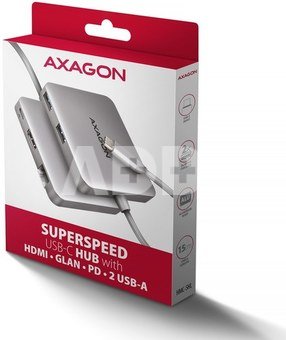
packed in a cardboard box with a hanging hole.

















Atsiliepimai
0 vidutinis įvertinimas (0 įvertinimų)