Your computer will feel like a fish out of water here.
You spend a lot of money on the processor, motherboard, graphics card and RAM and put it all in a computer case. Sometimes you look at your current case that hides all these components and wish you could see all the technological achievements that generate so much FPS in games.
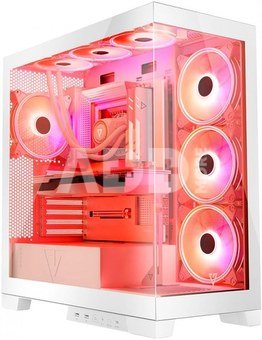
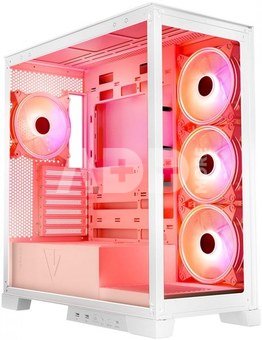
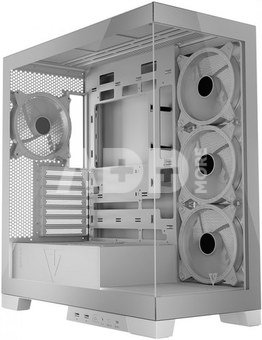
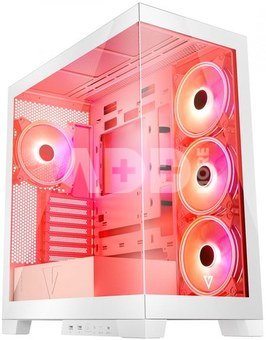
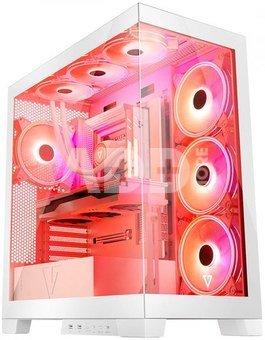
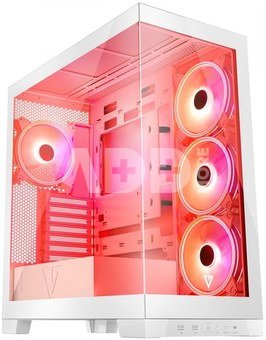
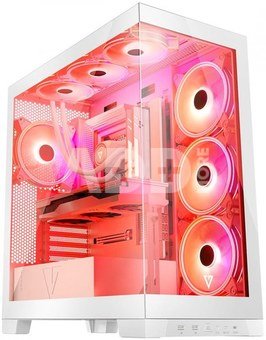
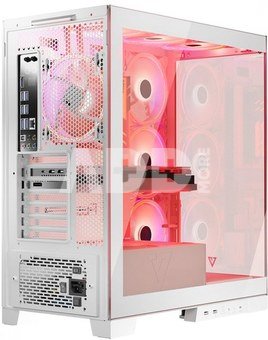
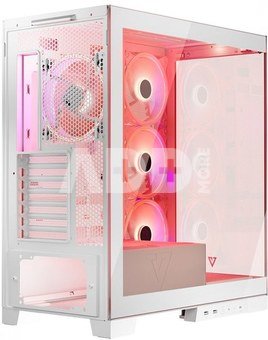
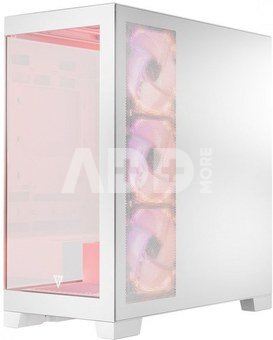
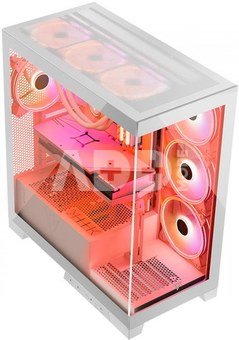
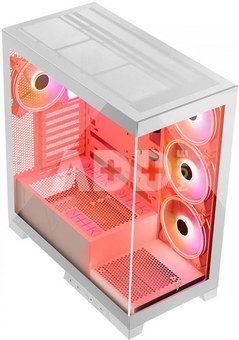
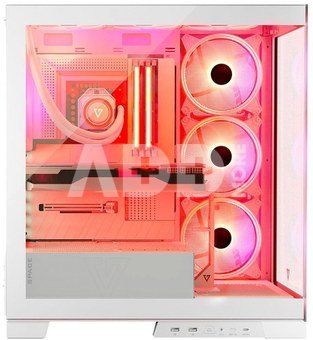
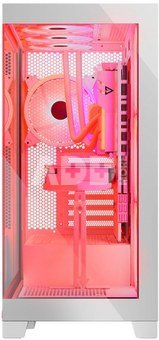
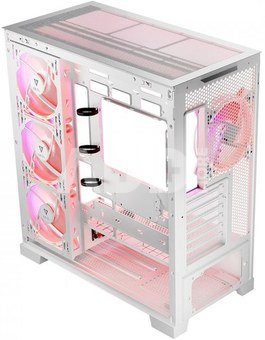
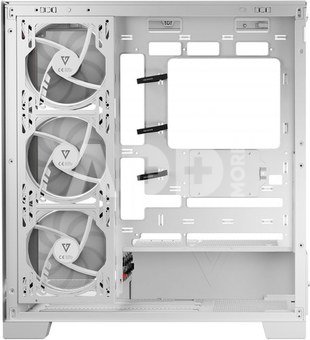
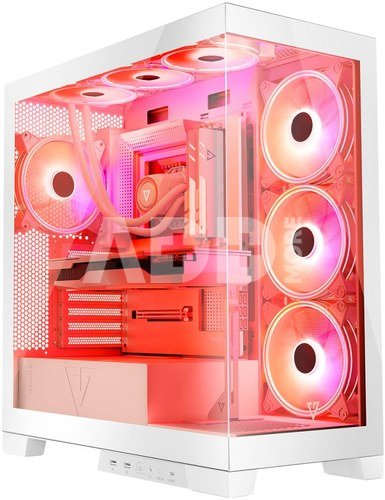
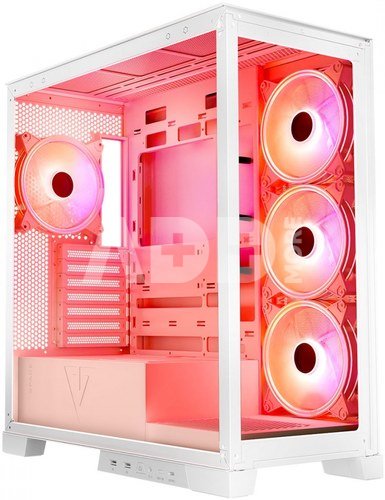
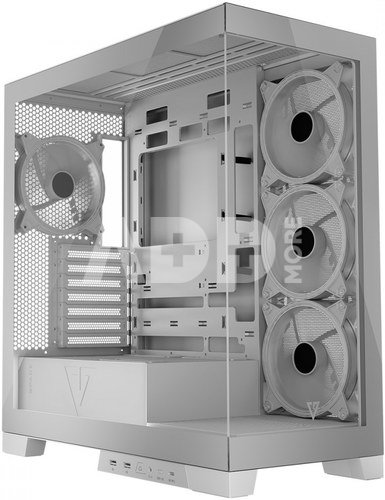
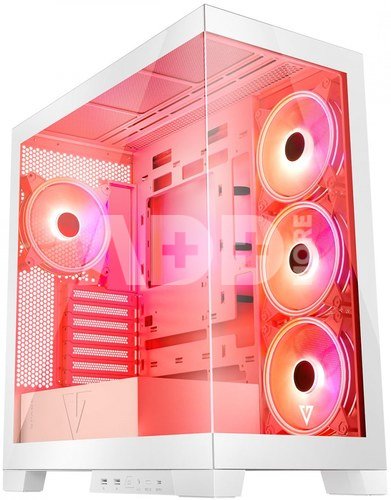
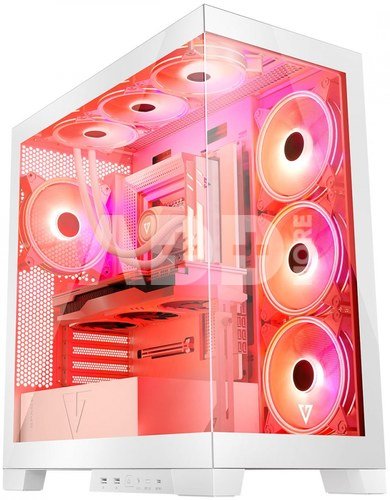
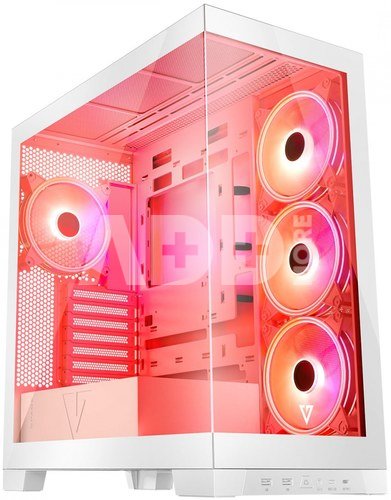
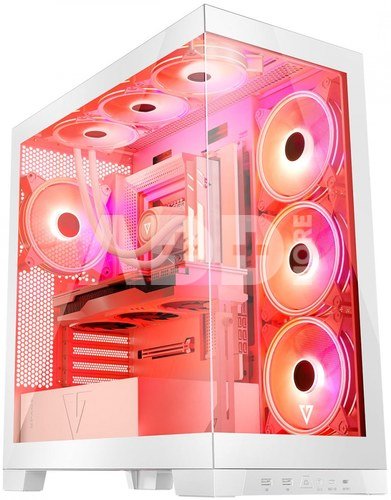
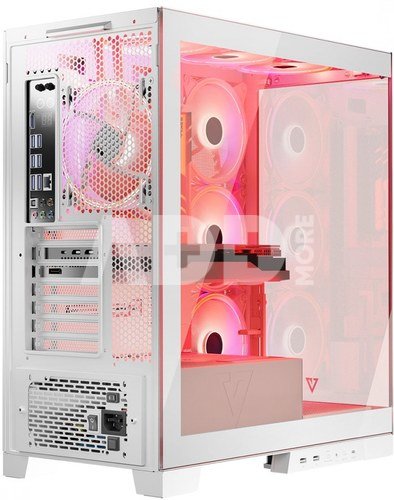
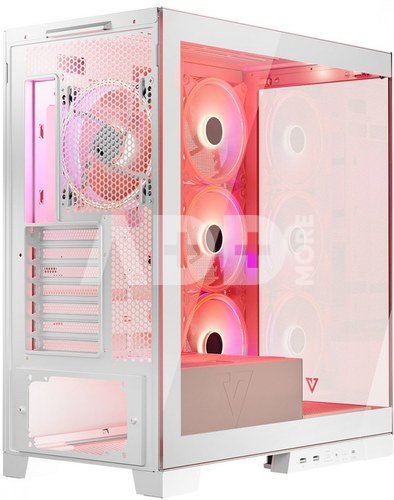
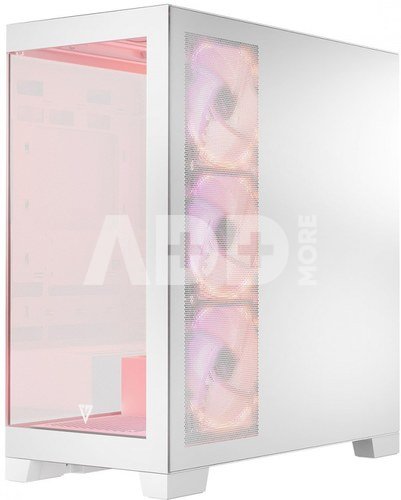
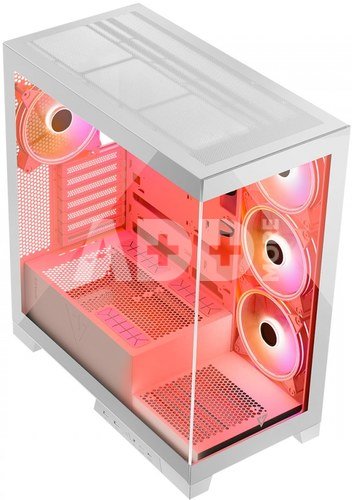
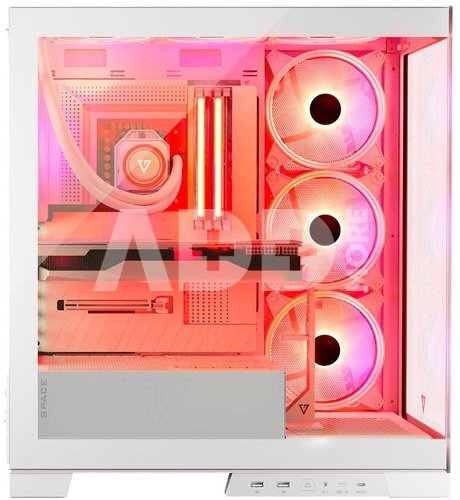
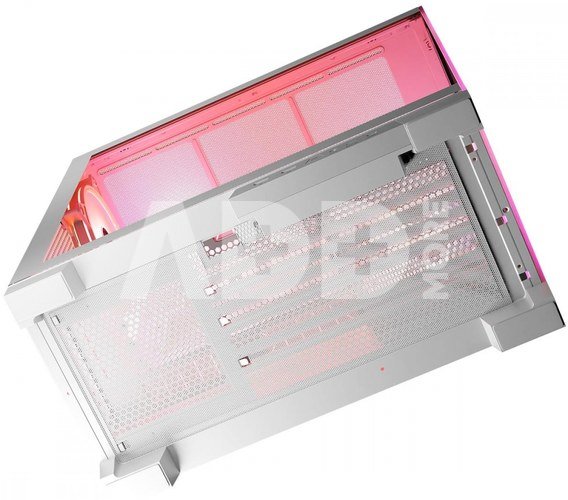
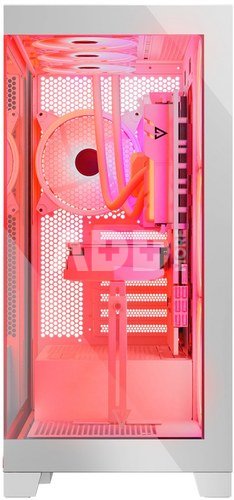
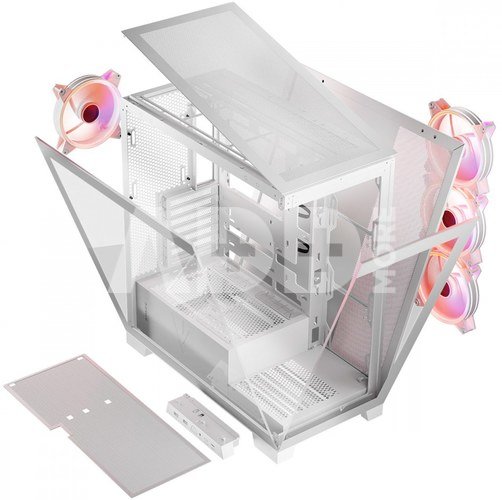
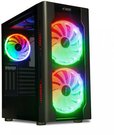
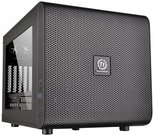
The Volcano Space housing has a special design in which the front and side panels are made of tempered glass. Thanks to this, its structure resembles an aquarium in which all installed components can be seen from virtually any angle. This is a case for those who love displaying their computer!
What's more, in this unique design you can install a motherboard with reversed connectors, and the computer assembly will be made more pleasant by ergonomic solutions such as the assembly and disassembly of panels with snaps. To personalize your personal computer as much as possible, we have made it possible to move the I/O panel from the side to the front, and we have also left a lot of space for optional water cooling and long graphics cards. Your computer will feel like a fish out of water here.
Modern solutions for modern motherboards. Installing motherboards with reversed connectors.
The housing is designed for mounting boards with non-standard socket locations on the laminate, i.e. where the connectors have been moved from the front to the reverse of the laminate.
However, nothing stops you from installing well-known and popular models of motherboards. The choice is yours. The housing allows the installation of classically constructed ATX boards, so you are not limited by the chassis design.
The highest order
Fully tested compatibility with the MSI Project Zero motherboard and ASUS B760M-BTF WiFi D4 confirms the modernity of the solutions for all users who value order in their computer. Leading out the connectors to the reverse of the motherboard allows you to hide the cables and fully expose the gaming components. Volcano Space sets standards of aesthetics and order at the highest level.
4 X 140 ARGB at the start
Keeping components running cool is paramount. Thanks to this, they work more efficiently and their service life increases.
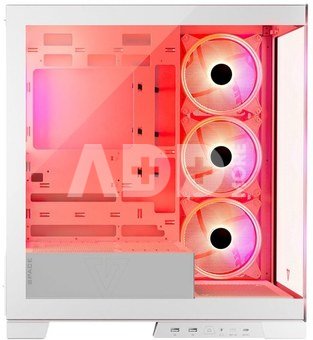
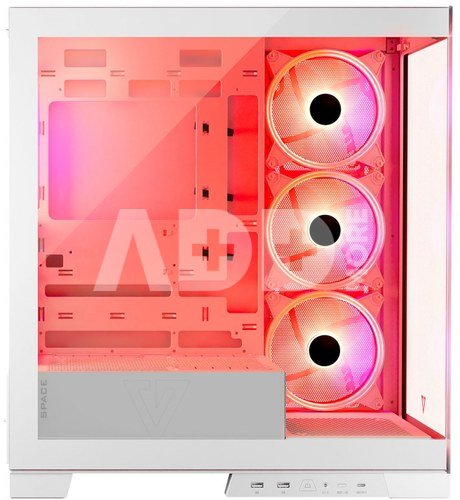
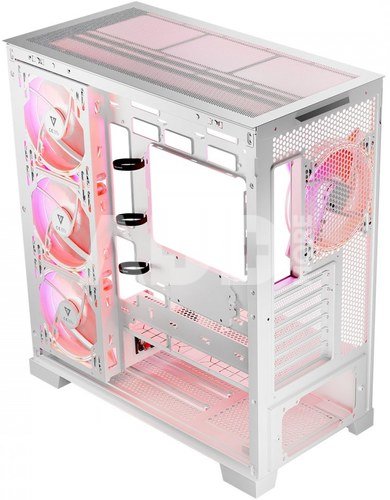
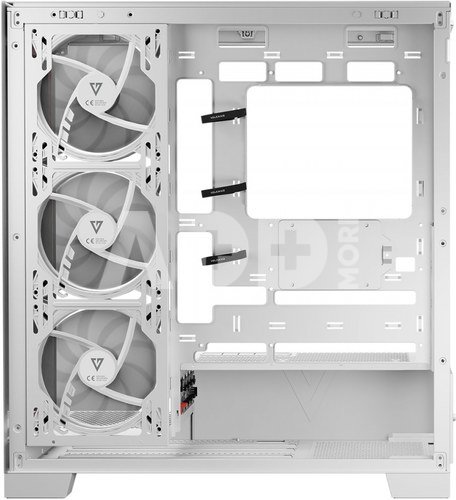
Pre-installed ARG fans (3 x 140 mm on the side panel and 1 x 140 mm on the back) ensure good airflow, effectively cooling the graphics card and processor. However, if you want to have even greater configuration options, you can install three additional 120 mm or 2 x 140 mm fans on the top panel. Moreover, at the bottom of the case, right next to the front panel, you can install another 120 mm or 140 mm fan. Because, as you know, the temple doesn't give you a headache!
Without screws. Easy and pleasant, everything with snaps.
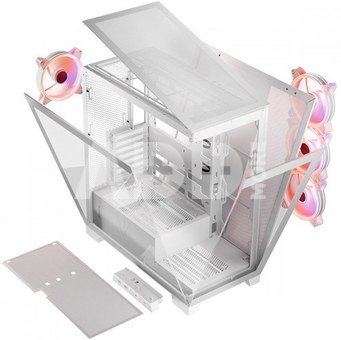
The times when you had to unscrew panels are long gone. In the Volcano Space housing, we offer pleasant and simple solutions so that you can build your dream computer with a smile. All panels are mounted with a latch and you do not need any tools to remove the panel and conveniently install the components. Need to add RAM sticks? Blow out the dust from the interior? You can remove the panels with a smooth movement of your hand without having to unscrew them.
Do it your way
The panel with USB/Audio inputs can be configured according to your wishes and can be installed on the side or front of the housing.
Thanks to this solution, you have even better options for arranging your computer. On the panel you will find 2 USB3.0 connectors and one USB-C connector. The microphone and headphone inputs are located in a combo socket.
Water cooling
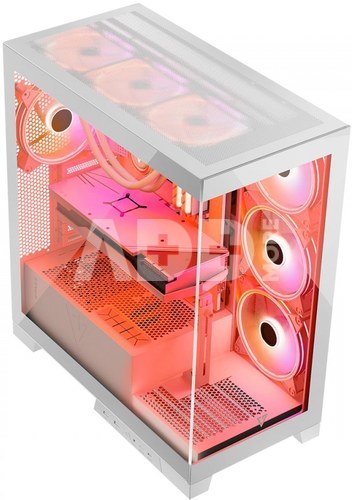
The housing is suitable for water cooling installation. At the top of the case there is space for radiators up to 360 mm.
The same size cooler will also fit in place of the factory-installed fans on the motherboard mounting wall. At the back, you will install a 140 mm radiator. The introduced solutions are intended to create a real gaming machine for every game. And all this in an interesting, glass structure.
Dust filter
There is a dust filter placed under the power supply. You can easily remove and install the filter, which will keep your computer clean and at the same time increase the efficiency and safety of the power supply.
A place for your favorite games
There will be plenty of space for your favorite games. The housing allows you to install one 2.5" drive on the motherboard tray.
Additionally, you can install one 3.5" drive in the power supply tunnel and at least two 2.5" drives (vertically). Due to its glass construction, the case mainly exposes the front of the motherboard, on which manufacturers are increasingly placing several M.2 connectors for NVME drives.
The beauty of ARGB LED
This type of housing demands LEDRGB fans. And that's what you get as standard - four of them, all 140 mm ARGB.
The glazed front and side panel displays the installed components in the best possible way. You can highlight your components with a selected color or set the backlight to shimmering rainbow colors. This is a case for those who like to display the inside of their personal computer
Rubber grommets and Velcro cable organizers
As befits the construction of the housing for gaming units, there are rubber grommets inside at the level of the power supply tunnel. Their purpose is to protect the cables against damage, especially the graphics card power cable. There are also Velcro cable organizers on the back of the motherboard tray to organize the inside of the computer in the best possible way.
A soft cloth, a screwdriver and a GPU support
We took care of all the details, we know that when assembling a computer you just want to have everything you need at hand. Opening for this
box with housing, inside you will find a soft cloth with which you can clean the glass panels. Additionally, the set includes a screwdriver and a support for the GPU. And all housing screws are packed in a dedicated box.
Extra cooling? Here you go!
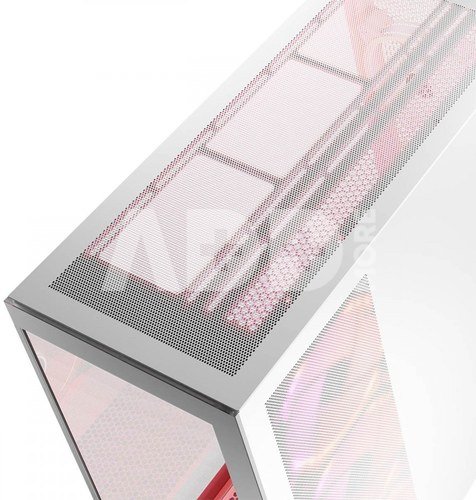
There is, of course, mounting space for additional fans on the top panel. If you so wish, you can easily install additional fans in a 3 x 120 mm or 2 x 140 mm configuration. But that's not all, because at the height of the PSU tunnel there is still room for one additional 120 mm or 140 mm fan. All this to maintain the lowest possible temperatures and thus ensure comfort during many hours of intense and hot computer sessions.
Ventilation
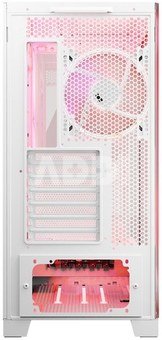
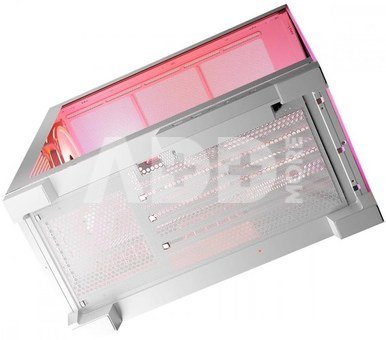
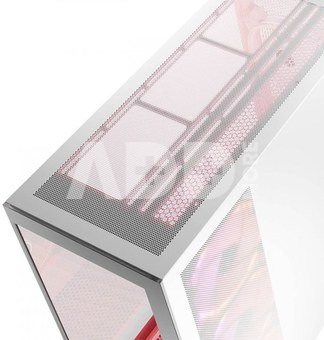
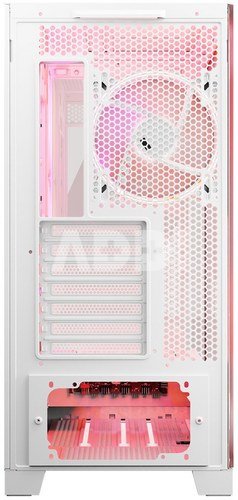
Small ventilation holes in the top panel and in the service panel of the housing ensure good air circulation. They ensure optimal air flow while providing protection against dust.
Removable caps and vertical GPU mounting
All PCI/PCIe expansion card caps are removable. Players will also appreciate the possibility of vertically mounting the graphics card, because the metal frame in which the caps are placed can be unscrewed.















Atsiliepimai
0 vidutinis įvertinimas (0 įvertinimų)