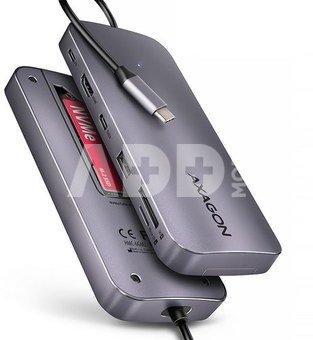
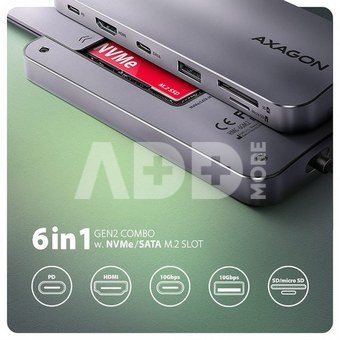
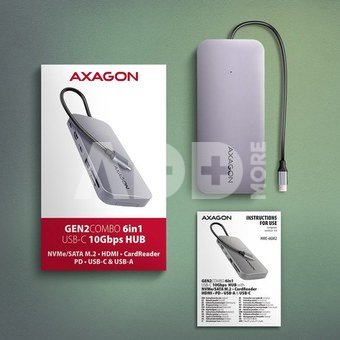
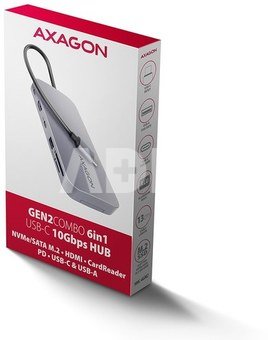
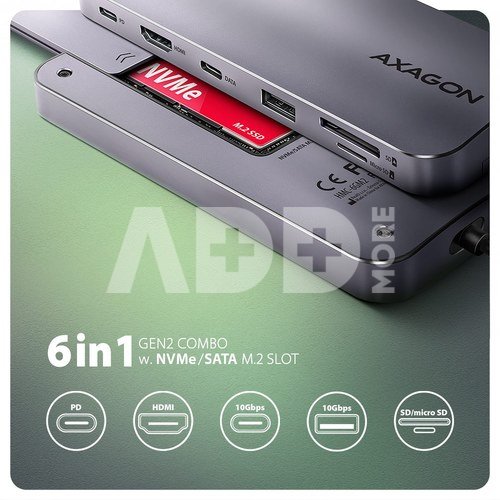
Multiport USB-C 10Gbps hub AXAGON HMC-6GM2 GEN2COMBO 6in1 expands your laptop, computer or phone with five ports and external box for M.2 disk.
You can easily and quickly connect up two USB devices, SD card reader, one monitor, and an NVMe or SATA M.2 SSD to your computer via the reversible USB-C connector. You also get the possibility to supply laptop using Power Delivery technology at the same time. The USB-C hub will provide you with a simple and compact 6in1 docking station for notebook like MacBook Air or Pro.
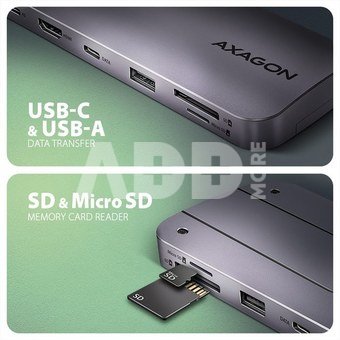
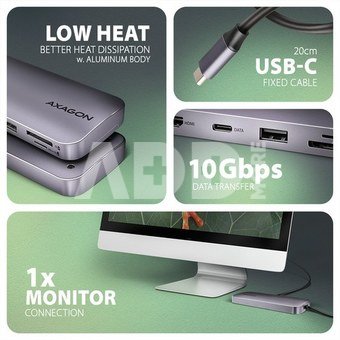
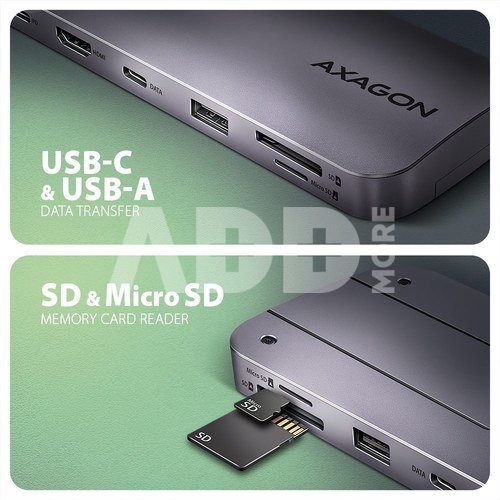
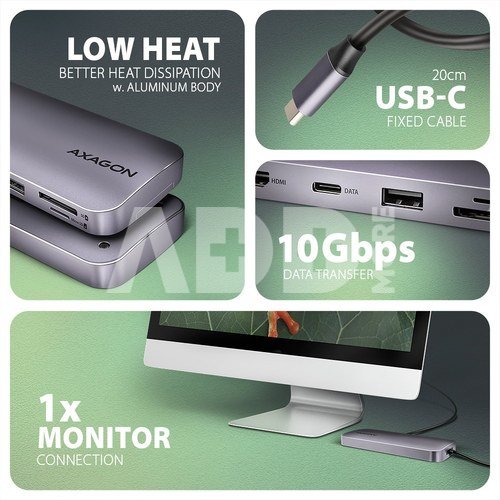
The USB hub offers two USB 10Gbps outputs. One with standard USB-A and one with USB-C data connector. The hub can also handle permanent connection of two external drives simultaneously. Thanks to the fast USB 3.2 Gen 2 interface, the hub's transfer rate is up to 10Gbps.
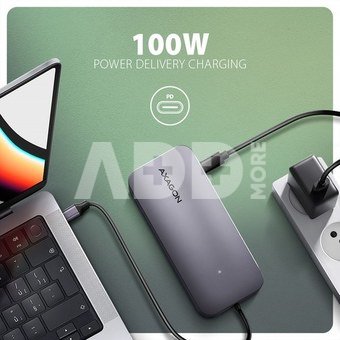
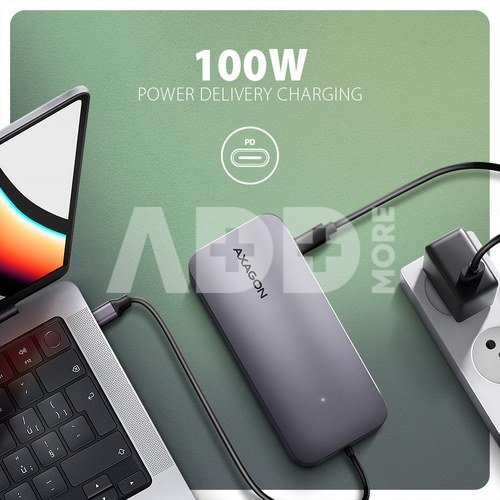
Another USB-C connector is reserved only for charging phones or laptops using Power Delivery 3.0 technology with up to 100W of power. Connect a suitable USB-C Power Delivery charger into the hub and connect the hub to a laptop that supports Power Delivery. This saves one USB-C port.
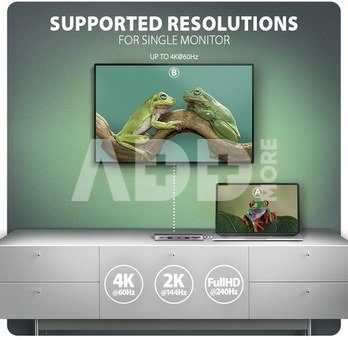
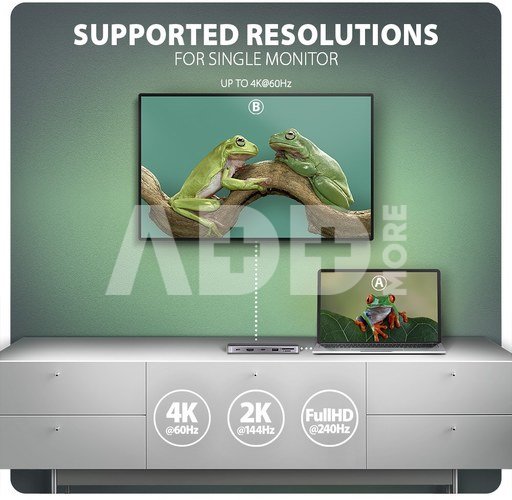
HDMI output provides high quality image up to 4K/60Hz Ultra HD resolution and supports multi-channel audio transmission. High frequencies at popular gaming resolutions of 2K/144Hz or FullHD/240Hz are also supported. Thanks to HDR (high dynamic range) support, you can enjoy a significantly expanded range of colors and contrasts without restrictions. For video outputs to work properly, the laptop must have a USB-C port with DisplayPort Alternate Mode (DP Alt Mode) support or a Thunderbolt 3 port and above.
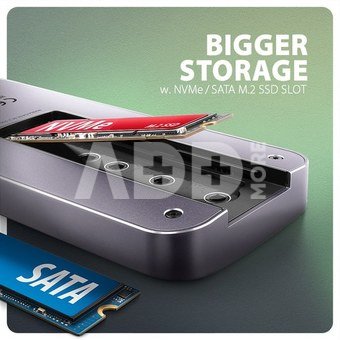
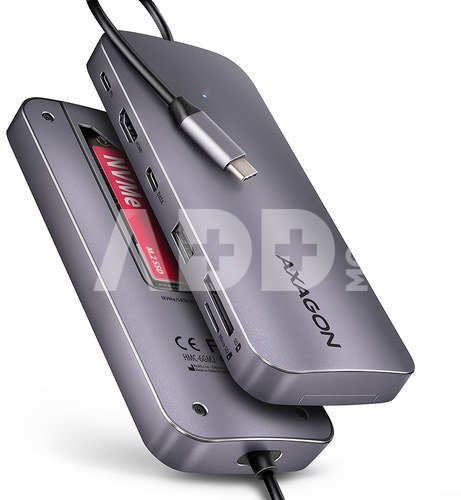
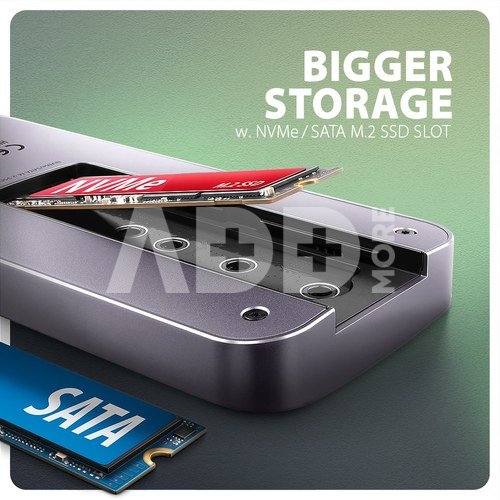
You can connect a NVMe or SATA M.2 SSD drive thanks to the built-in slot on the back. The multiport hub thus becomes an external drive. M.2 cards can be single-sided or double-sided up to a size of 22x80 mm. The external M.2 box has no capacity limitations for SSDs and supports modern functions such as TRIM, UASP and enables reading S.M.A.R.T. disk status monitoring information.
Card reader supports all versions of SD and microSD cards including SDXC and microSDXC with capacity up to 2TB. Thanks to the high-speed USB interface, you can make the most of the potential of modern memory cards. The card reader enables simultaneous handling of cards in both slots and direct copying between them.
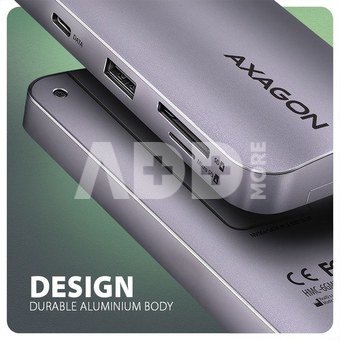
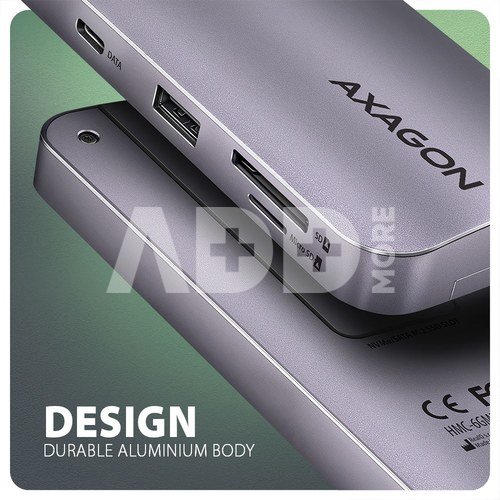
The elegant aluminum body ensures not only mechanical resistance, but also passive cooling. You will also be pleased with the finely textured surface, which does not leave fingerprints. The port replicator is the ideal accessory for laptops with a lack of USB connectors, memory or video outputs. Fixed USB-C cable 20 cm long.
You can use your current USB peripherals without having to purchase new ones. Thanks to the Plug and Play and Hot Plug functions, connecting the hub itself is very simple without complicated installation, and peripherals can also be easily connected and disconnected while the computer is running. The hub does not afraid of connection to phones with a USB-C connector. For example, you can connect a flash drive, keyboard, mouse, display, TV or projector to the phone.
Input:
USB 10Gbps (USB 3.2 Gen2).
Compatible with Thunderbolt 3 and 4.
Connection via reversible USB type C male connector on a fixed 20 cm cable.
USB outputs:
1x USB 10Gbps port, USB-A female connector.
1x USB 10Gbps port, USB-C female connector.
1x USB Power Delivery 100W (only for charging), USB-C female connector.
USB-C hub handle the connection of two external drives simultaneously.
HDMI output:
1x HDMI A port, HDMI A female connector.
Video resolution and properties:
Maximum supported resolution 4K / 4096 x 2160 at 60 Hz.
For the video output function, the hub must be connected to a USB-C port supporting DisplayPort Alternate Mode (DP Alt Mode) or to a USB-C port supporting Thunderbolt 3/4. A suitable OS is also required. The video output function will not be available without these requirements.
HDR support (High dynamic range, 10bit support) - realistic reproduction of light and dark details.
HPD (Hot-Plug-Detect) support.
TMDS (Transition Minimized Differential Signalling) support.
HDCP 1.4 and 2.3 (High-bandwidth Digital Content Protection) full support.
Supports up to 8-channel LPCM audio, compressed audio (AC-3, DTS), and HBR audio formats.
Supports sample rates up to 192 kHz and up to 24-bit audio - depends on the source and destination device, i.e. laptop/phone and TV/monitor/AV receiver.
Power Delivery:
Power Delivery 3.0 support device power supply from the wall charger via USB-C hub
Maximum power supply power via PD USB-C hub output 100W - 20V/5A
Required PD support from the device (laptop, phone) and a suitable PD wall charger
The card reader - two slots:
Micro SD slot: microSD / microSDHC / microSDXC / TransFlash.
SD slot: SecureDigital / SDHC / SDXC, MultiMedia Card, MMC 4.0, MMC Dual Voltage, MMC mobile, RS-MMC, with adapter miniSD, microSD / microSDHC / microSDXC, MMC Micro.
The reader supports the following flash card specifications:
SD 1.0/1.1 (SD - Secure Digital, up to 2GB).
SD 2.0 (SDHC - Secure Digital High Capacity, up to 32GB).
SD 3.0 (SDXC - Secure Digital eXtended Capacity, up to 2TB).
MMC and eMMC 3.x /4.0 / 4.1 / 4.2 / 4.3 / 4.4 / 4.5 / 5.0 (8-bit).
Supports SD 3.01 and SD Jukebox applications (CPRM functions).
Supports Ultra High Speed bus UHS-I (SDR12/SDR25/SDR50/DDR50/SDR104) speeds up to 104 MB/s.
Supports hardware ECC (Error Correction Code) function and CRC (Cyclic Redundancy Check) function.
2 LUN - the reader is indicated as two disk drives in the file manager.
M.2 SSD slot:
NVMe & SATA M.2 SSD disks.
Designed for M key or B+M key format cards.
NGFF 75-pin M-key slot for M.2 drives.
Supports M.2 drives with a size of 2242, 2280 mm.
Support of both one-sided and double-sided M.2 SSDs.
Compliant with PCI Express Base Specification Revision 3.1a specification.
Compliant with NVM Express 1.3 specification.
Compliant with Serial ATA 3.2 specification (SATA/600), bit rates of up to 6 Gb/s (600 MB/s).
Compliant with USB Mass Storage Class specification.
Supports UASP (USB Attached SCSI) for faster data transmission in Windows 8 and later.
Support of TRIM functionality to limit gradual degradation of the SSD performance over time.
Support for booting from an SSD in the hub's M.2 slot.
Other features:
Compatible with USB 10Gbps (USB 3.2 Gen 2).
Backward compatible with USB 5Gbps (3.2 Gen 1 / USB 3.0).
Supports transmission rates 10.000 / 5.000 Mbit/s.
Possibility to connect your device while running thanks to the Hot Plug support.
Full Plug and Play support.
Standby mode support.
Power via USB bus - USB bus power or from PD wall charger.
Heavy-duty aluminium body for better hub cooling. Higher surface hub temperature is not a problem - the heat generated by the hub and M.2 disk operation is better dissipated and transferred to the surroundings.
The LED indicates the data transfer of the M.2 drive.
High quality shielded cable ensures fast communication speed and minimal unwanted interference.
Dimensions 149 x 65 x 17 mm.
Weight 178 g (incl. cable).
USB cable length 20 cm.
Supported operating systems:
Windows 10 / 11 and later, macOS, Linux, Chrome OS and Android.
Compatibility depends on used OS and support from device manufacturer.
DisplayPort Alternate Mode (DP Alt Mode) is only supported in updated OS and also depends on support from device (notebook, phone) manufacturer.
Graphics card drivers may also affect the correct operation of the product. We recommend downloading the latest version of drivers.
Package contains:
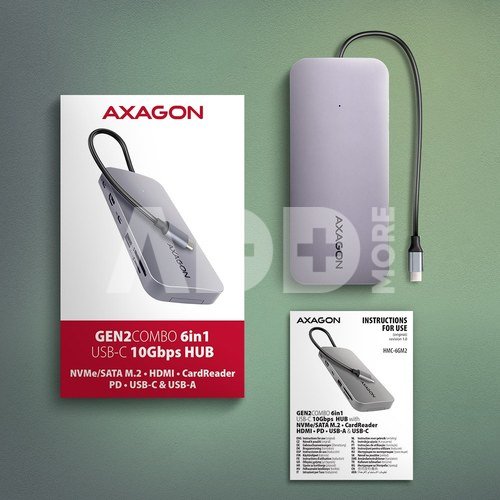
USB-C hub with fixed 20 cm long cable
mounting material
multilingual manual in CZ / DE / DK / ENG / ESP / FIN / FR / GR / HR / HU / IT / NL / PL / PT / RO / RU / SK / SWE / TR / BG / CN / ARA
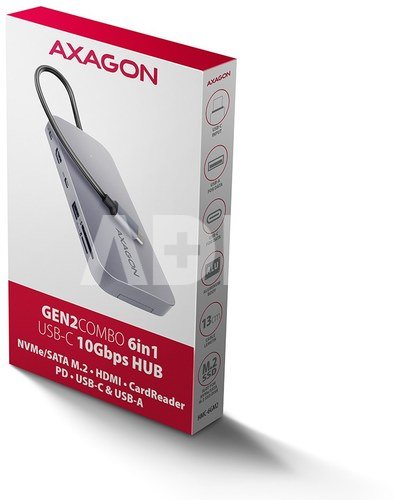
packed in a cardboard box
















Atsiliepimai
0 vidutinis įvertinimas (0 įvertinimų)