










+370 462 46444
I-V 10:00-19:00
VI 10:00-14:00

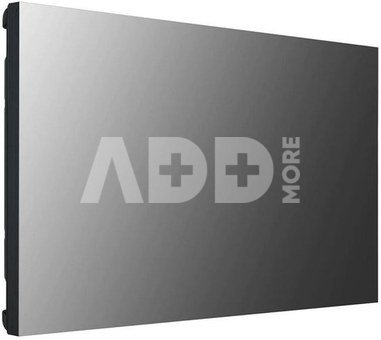
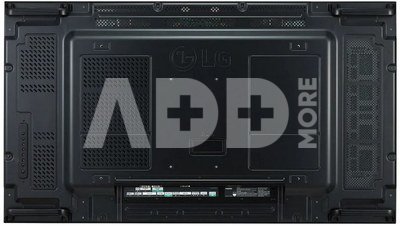
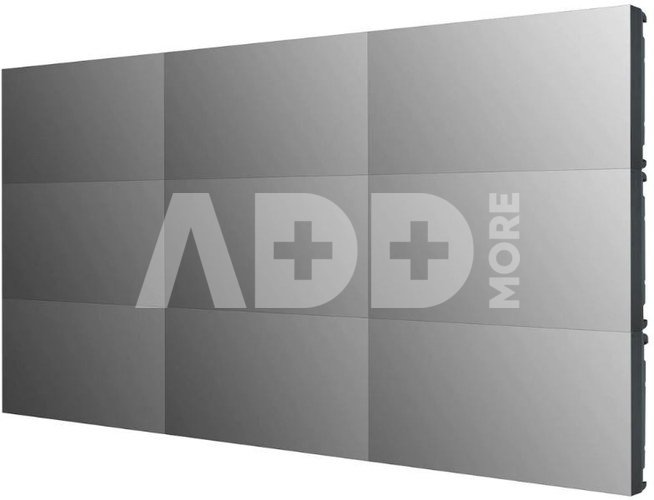
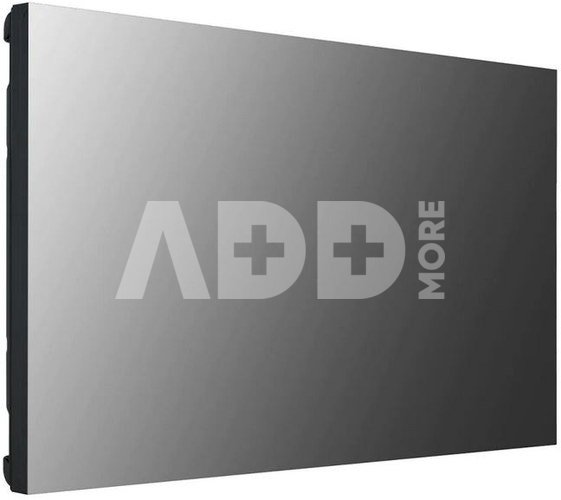
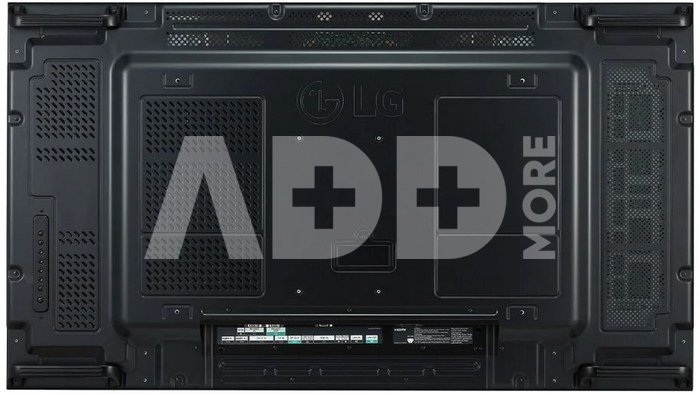
LG Electronics Monitor 55VSM5J-H 55 inch FHD 500cd/m2

LG Electronics Monitor 55VSM5J-H 55 inch FHD 500cd/m2
Kodas: 14312ABL
Gamintojo kodas: -
Įsiminti
EU sandėlyje
Pristatymas 0-4 d.d.
EAN
8806091382931
Pasirinkite savybes
Spalva
3099.00
Nuomoti(nuo €/diena)
Pratęsta garantija
Prekės draudimas

Nemokamai atsiimkite Kaune, parduotuvėje (Birželio 23-iosios g. 23g) Liepos 11 d.

Nemokamai atsiimkite Klaipėdoje, parduotuvėje (Taikos pr. 17) Liepos 11 d.

Pristatysime į namus per kurjerių tarnybą Liepos 13 d.

Turite klausimų? +370 462 46444 Siųskite užklausą

AprašymasLG Electronics Monitor 55VSM5J-H 55 inch FHD 500cd/m2 aprašymas

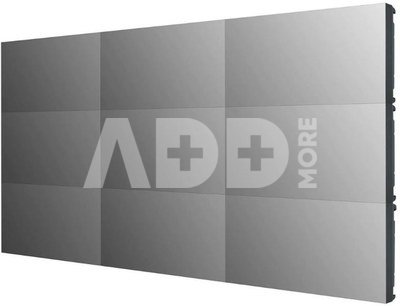
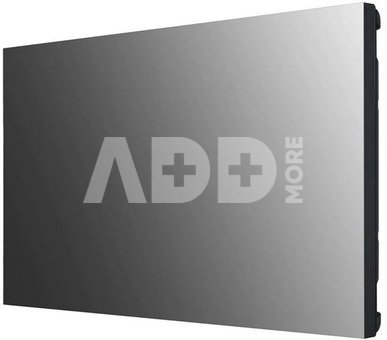
Ground-breaking 0.44 mm thin frame

Never-before-seen razor-thin bezel - 0.44 mm and 0.88 mm BtB-Larger viewing angle

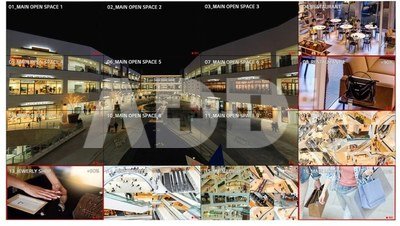
Large screens are usually positioned above eye level, making uniform image quality important in video walls. The viewing angle of the VSM5J series preserves vivid colours without any distortion, which has been verified by Nemko, allowing the content to be viewed in its original, undistorted form. The interruption-free video wall composed of VSM5J units provides an even better visual experience.

Wide viewing angle

LG's IPS matrix manufacturing technology is known for its excellent liquid crystal control, which ensures high-quality images from all angles. For this reason, the VSM5J better captures attention with realistic colours that do not lose quality from any angle.

Uniform colour reproduction

A low level of uniformity around the border can make the corners darker, which looks bad on large screens. The VSM5J screen has better uniformity, even in the corners, for vivid and consistent colours throughout.

Reduced image gaps

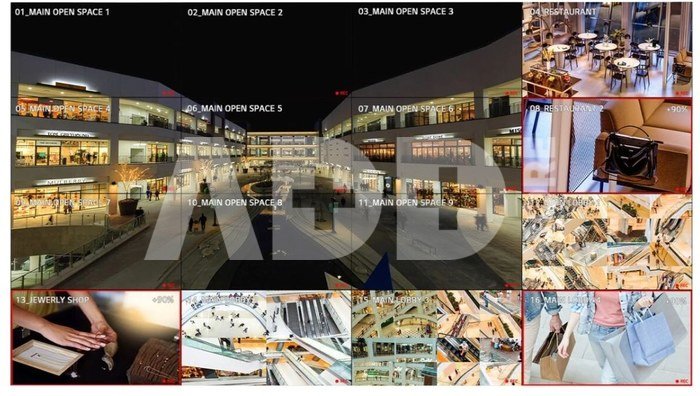
The VSM5J series includes an image enhancement algorithm that reduces gaps between joined screens during video playback. Objects on the border are adjusted to make the image as smooth as possible

Smart calibration

Smart Calibration is a solution that enables error-free calibration of the device, drastically reducing time and costs compared to a sensor-based calibration method. It analyses not only the colour property differences of each individual screen, but also the property differences between connected screens, eliminating the need for manual colour adjustments. The procedure is so simple that it can be carried out in a few minutes using the remote control. In addition, the automatic calibration function can be activated at equal intervals and the brightness can be set in relation to the ambient conditions, always ensuring optimum image quality.

Clear picture thanks to anti-glare panel

Reflecting light off the screen in bright conditions can be annoying. The VSM5J series solves this problem by increasing the matrix matte finish to 28%, significantly increasing text visibility and readability.

High performance and scalability

Thanks to the built-in SoC and the webOS intelligent signage platform, the VSM5J series can perform several tasks at once, providing smooth playback without the use of an additional media player. The webOS platform supports HTML5 technology and includes a Software Development Kit (SDK), making it much easier to create and optimise web applications.

Flexible content creation

With web applications, four videos can be played at once and animation effects such as scaling or rotation can be added using CSS (Cascading Style Sheets) transition effects. Real-time streaming is also available to organise and differentiate content without capacity constraints.

Intuitive menu structure

The menu structure is optimised for commercial applications. It facilitates work and groups similar functions to provide an easy-to-use and intuitive graphical user interface. This eliminates the need for the user to explore menu functions and learn how to manage screens by trial and error.

Vertical graphical interface

The conventional graphical user interface was designed for televisions in landscape orientation, which meant that the on-screen menus (OSD) in portrait mode did not look the best. On the VSM5J, the OSD menu is suitably adapted to the 9:16 format and uses enlarged fonts, creating a comfortable environment to work effectively.

Serial connectivity

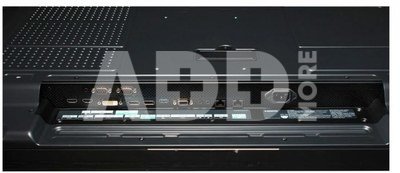
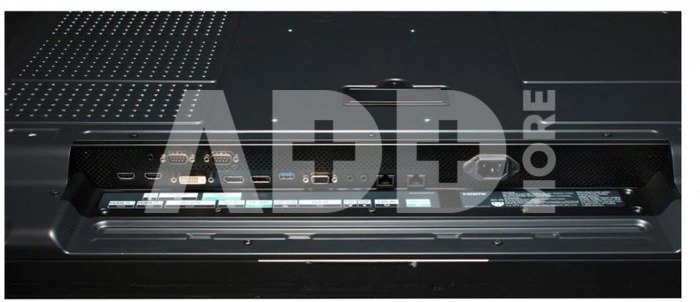
A serial connection via LAN allows the video walls to be controlled, monitored and even updated with their software. In addition, with UHD-quality serial connectivity using HDMI and DisplayPort, it is easy to create a UHD video wall without the use of DisplayPort MST technology or a Matrox graphics card.

LG ConnectedCare real-time service

With the optional cloud-based LG ConnectedCare service, servicing becomes simpler and faster. It enables remote diagnostics and control of the screen directly at the customer's site and keeps their business running stably.

Garantinis laikotarpis 36 mėnesių

Svoris 30 kg

Pristatymo laikas 0-4 d.d.

Aptarkite su konsultantu Kaune

Neturime Kaunas Adresas: Birželio 23-iosios g. 23g Darbo laikas: I-V 09:00 - 18:00 VI-VII nedirba Telefonas: +370 674 59488
Kaunas

Aptarkite su konsultantu Klaipėdoje

Neturime Klaipėda Adresas: Taikos pr. 17 Darbo laikas: I-V 10:00 - 19:00 VI 10:00 - 14:00 VII nedirba Telefonas: +370 604 43972
Klaipėda
Specifikacija
Gamintojas(?) LG
Garantinis laikotarpis 36 mėnesių
Svoris 30 kg
Pristatymo laikas 0-4 d.d.
Prekės kodai

14312ABL 8806091382931

Atsiliepimai

0 vidutinis įvertinimas (0 įvertinimų)

 0
 0
 0
 0
 0

Palikite atsiliepimą

Vertinti gali tik prisijungę vartotojai.

Palikti pirkėjų atsiliepimai (0)

Atsiliepimų kol kas nėra. Būk pirmas!

1. Kaip pasirinkti tinkamą klaviatūrą ir pelę savo kompiuteriui?

Norint pasirinkti tinkamą klaviatūrą ir pelę savo kompiuteriui svarbu atsižvelgti į asmeninius poreikius ir naudojimo būdą. Klaviatūros pasirinkimas priklauso nuo jūsų darbo pobūdžio, ergonominių poreikių ir asmeninio komforto. Jei daug laiko praleidžiate rašydami, svarbu rinktis klaviatūrą su maloniu klavišų paspaudimu ir ergonomišku dizainu, kuris sumažina rankų ir pečių įtempimą. Specializuotos klaviatūros, kuriose yra papildomų funkcijų, pavyzdžiui, programuojamų klavišų arba spalvotų šviesų, gali pagerinti naudotojo patirtį. Pelės pasirinkimas gali priklausyti nuo jūsų darbo pobūdžio – grafikos dizaineriams arba žaidimų entuziastams gali reikėti aukštos raiškos ir didelio jautrumo pelės. Ergonominės pelės su daugiau nei vienu mygtuku gali palengvinti darbą su įvairiomis programomis. Be to, svarbu atkreipti dėmesį į sąveiką su jūsų kompiuterio tipu (ar tai belaidė, ar laidinė klaviatūra ir pelė) bei patogią ergonomiją. Prieš perkant, būtina išbandyti klaviatūrą ir pelę, kad įsitikintumėte, jog jos atitinka jūsų poreikius ir yra patogios naudoti.

2. Kokios yra geriausios aušinimo sistemos kompiuteriui?

Geriausią aušinimo sistemą galima pasirinkti atsižvelgiant į kompiuterio naudojimo scenarijų. Vandens aušinimas dažnai būna efektyvus, ypač esant dideliam apkrovimui, o oro aušinimas yra paprastesnis ir pigesnis variantas. Keletas populiarių aušinimo būdų apima: 1) Oro aušinimas (Air Cooling): Paprasta ir ekonominė alternatyva, naudojanti didelius ventiliatorius, šilumos vamzdžius ir radiatorius. Šis būdas tinka vidutinio ir žemo lygio naudotojams. 2) Vandens aušinimas (Liquid Cooling): Ši sistema naudoja specialų šilumos siurblių ir vamzdžių rinkinį, leidžiantį aušinti komponentus vandeniu. Tai dažnai naudojama su pažangesniais procesoriais ir vaizdo plokštėmis, tačiau reikalauja tikslaus diegimo. 3) Phase Change Cooling: Labai efektyvi sistema, kuri naudoja šaltus dujų ciklus, kad transformuotų dujas į skysčius ir atvirkščiai. Tai brangesnė alternatyva, bet suteikia itin efektyvų aušinimą. 4) Termoelektrinė (Peltier) sistema: Šio tipo sistema naudoja Peltier elementus, kurie gali perkelti šilumą iš vienos pusės į kitą, priklausomai nuo elektros srovės krypties. Ši sistema gali būti derinama su kitomis aušinimo metodikomis. Geriausią pasirinkimą lemia naudojimo atvejis, biudžetas ir pageidaujamas efektyvumas. Priklausomai nuo to, ar norite paprasto, bet patikimo oro aušinimo, ar pažangesnės technologijos su vandeniu, turite rinktis tai, kas geriausiai atitinka jūsų poreikius.