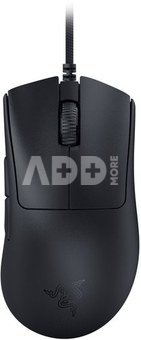
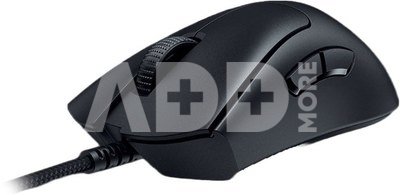
Razer DeathAdder V3 Gaming Mouse, Wired, Black
Kodas: 52593RME
Gamintojo kodas: RZ01-04640100-R3M1
Įsiminti
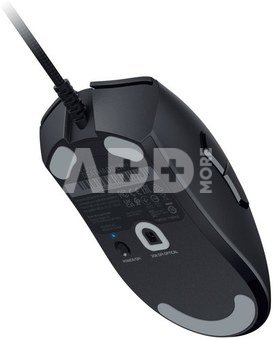
- 59g Ultra-lightweight Design
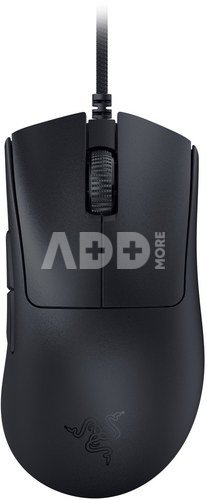
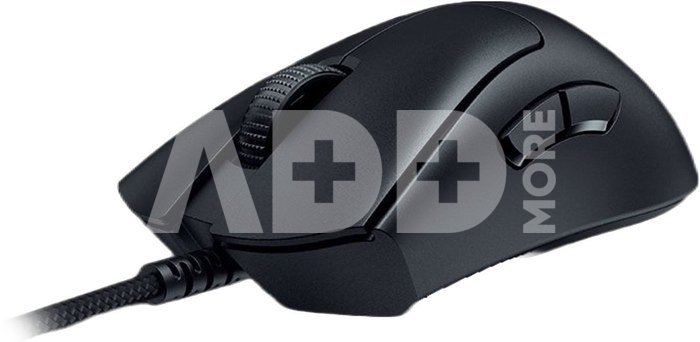
- Refined Ergonomic Form
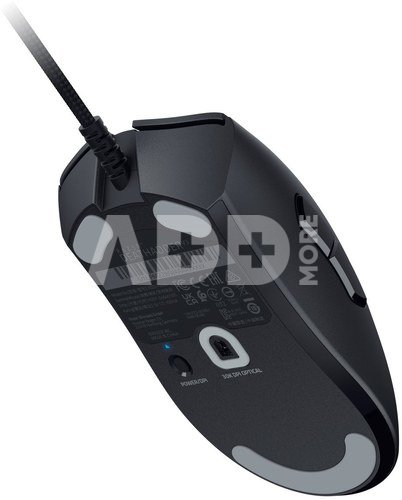
- Razer™ Focus Pro 30K Optical Sensor
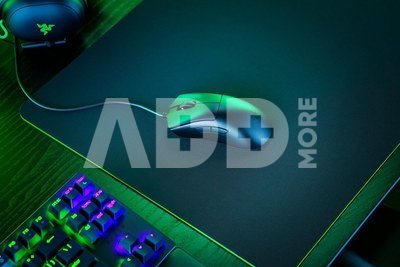
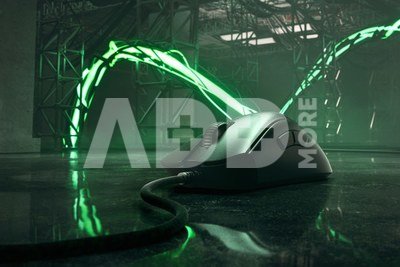
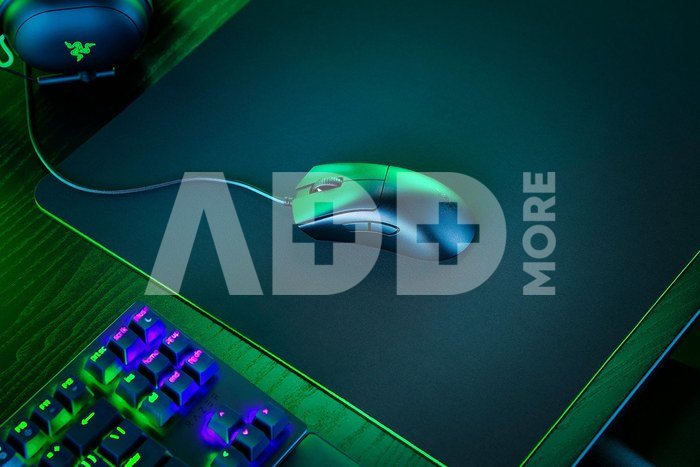
For the proVictory takes on a new shape with the Razer DeathAdder V3. Refined and reforged with the aid of top esports pros, its iconic ergonomic form is now more than 25% lighter than its predecessor, backed by a set of cutting-edge upgrades to push the limits of competitive play.
Wired for performance. Razer™ 8K Hz HyperPolling TechnologyExperience unrivalled responsiveness with a mouse capable of sending up to 8 times more data in a second, effectively reducing input delay from 1 to 1/8th of a millisecond—the edge every pro needs to stay ahead of the competition.
Ultra-lightweight at 59g – Zero Excess, Full PerformanceWith its incredible weight optimization, the Razer DeathAdder V3 is one of the lightest ergonomic esports mice ever created—all while improving upon its user experience.
- Mid-to-large sized mouse without weight and drag
- Split key cover for better click tactility
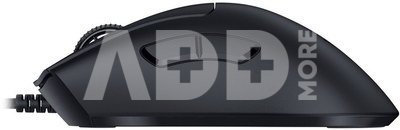
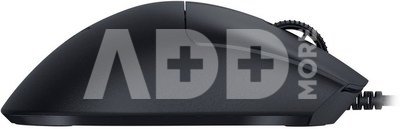
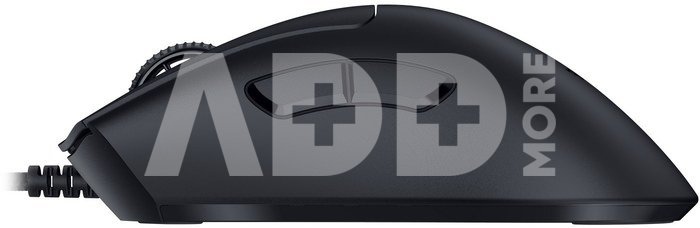
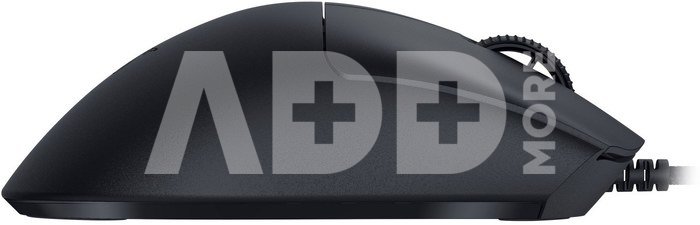
Ergonomic form Honed To PerfectionDeveloped in partnership with top esports pros, the iconic shape of the Razer DeathAdder has been further improved to continue its legacy of award-winning handling and comfort.
- Repositioned buttons & scroll wheel for easier accessibility
- Raised arch for greater palm support
- Added ring finger ledge for better grip and support
Razer Focus Pro 30K optical sensorTeaming up with Pixart, an industry leader in smart sensor solutions, we’re proud to present to you the world’s most precise optical sensor. Take a closer look as we break down the upgrades in our breakthrough tech.
- Unlock ultra-fine adjustments: Enable Asymmetric Cut-off to individually set a lift-off and landing distance that’s tuned to your playstyle—with 26 granular levels of height adjustment compared to only 3 in the previous version.
- Auto-calibrates across different surfaces: With Smart Tracking, the Razer™ Focus Pro Optical Sensor is able to maintain a consistent lift-off distance no matter what surface it’s used on, allowing for greater control and accuracy.
- Higher responsiveness & more consistent tracking: With Motion Sync, the Razer™ Focus Pro Optical Sensor syncs its signals to the exact intervals your PC extracts information, ensuring you’ll get the most current updates of your mouse position for more consistent tracking.
Other best-in-class features
- Smooth touch finish: The mouse is coated with an all-new finish that feels soft and smooth, yet remains easy to grip.
- Razer Optical Mouse Switches Gen-3: 90-million click lifecycle with no double-clicking issues and a blistering 0.2ms actuation.
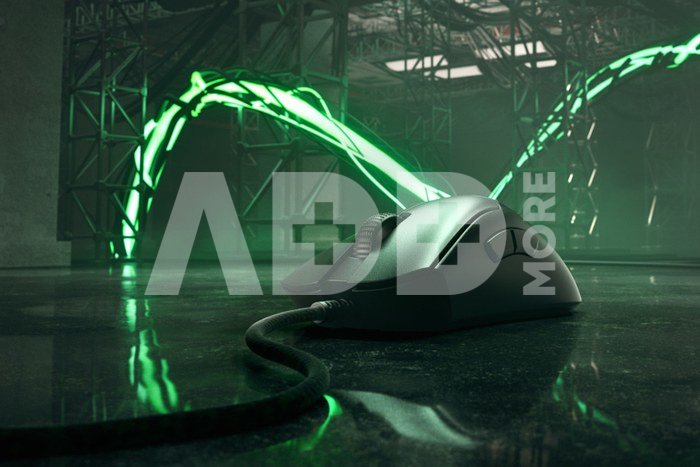
- Razer Speedflex cable: Woven for greater flexibility and designed to produce minimal drag.
- 8 programmable controls: Includes 6 fully configurable buttons for macros and shortcuts, including a function to toggle between 5 DPI stages.
- 5 onboard memory: The mouse stores up to 5 profiles as well as the last used Razer Synapse profile, including all calibrated settings such as DPI, Polling rate, Lift-off distance.
- Razer HyperShift: Effectively double your inputs at the touch of a button, as you activate an additional set of custom keybinds and DPI stage on the mouse.
Pristatymo laikas
10-19 d.d.
Aptarkite su konsultantu Kaune
Neturime
Kaunas Adresas: Birželio 23-iosios g. 23g Darbo laikas: I-V 09:00 - 18:00 VI-VII nedirba Telefonas: +370 674 59488
Aptarkite su konsultantu Klaipėdoje
Neturime
Klaipėda Adresas: Taikos pr. 17 Darbo laikas: I-V 10:00 - 19:00 VI 10:00 - 14:00 VII nedirba Telefonas: +370 604 43972
1. Kaip pasirinkti tinkamą kompiuterinę pelę pagal savo poreikius?
Tinkamos kompiuterinės pelės pasirinkimas priklauso nuo individualių poreikių ir naudojimo įpročių. Keletas svarbių aspektų, kuriuos turėtumėte įvertinti: 1) Pelės tipas: Egzistuoja įvairių tipų pelės, įskaitant optinę, lazerinę ir žemėlapių peles. Lazerinės pelės tinka skirtingiems paviršiams, o žemėlapių pelės gali būti naudingos žaidimams. 2) Pelės jautrumas: Jautrumas nusako, kaip greitai pelė reaguoja į judėjimą. Žaidimams dažnai geriau tinka pelės su reguliuojamu jautrumu, leidžiančiu prisitaikyti prie skirtingų poreikių. 3) Dizainas ir forma: Ergonominis dizainas yra svarbus, ypač jei ilgai naudojate pelę. Rinkitės pelę, kuri gerai tinka jūsų rankai ir leidžia patogiai judėti. 4) Papildomos funkcijos: Kai kurios pelės turi papildomas funkcijas, tokias kaip programuojami mygtukai, RGB apšvietimas arba daugiafunkciniai elementai. Šios funkcijos gali pagerinti naudojimo patirtį. 5) Belaidė ar laidinė: Belaidės pelės suteikia didesnę judrumo laisvę, tačiau laidinės pelės dažnai nereikalauja baterijų keitimo ir turi mažesnį delsimo laiką. Atsižvelgiant į šiuos veiksnius, galėsite pasirinkti kompiuterinę pelę, kuri atitinka jūsų poreikius ir užtikrina patogią naudojimo patirtį.
2. Kokie yra skirtingi pelių tipai ir kokie yra jų privalumai?
Yra kelios pagrindinės pelių kategorijos, įskaitant optines, lazerines, ir šiuolaikines bevieles peles. Optinės pelės yra geresnės ant lygaus paviršiaus, o lazerinės daugiau tinka nelygiems paviršiams ir yra jautresnės judesio sekimui. Bevielinės pelės siūlo didesnę judumo laisvę, kurios dažnai reikalingos žaidėjams arba žmonėms, dirbantiems nuotoliniu būdu. Optinės pelės naudoja šviesos diodą (LED) arba infraraudoną šaltinį, kad nustatytų judėjimą ant paviršiaus. Optinės pelės veikia gerai įvairiose aplinkose ir yra ekonominės. Lazerinė pelė yra panaši į optinę, tačiau naudoja lazerį judėjimui nustatyti. Gali dirbti ant daugiau paviršių ir tinka žaidimams, kur reikalingas didesnis jautrumas. Kiekvienas pelės tipas turi savo privalumus. Optinės pelės yra pigios ir tinka įprastam naudojimui, lazerinės pelės yra daugiafunkcinės. Pasirinkimas priklauso nuo individualių poreikių ir naudojimo scenarijaus.


















Atsiliepimai
0 vidutinis įvertinimas (0 įvertinimų)