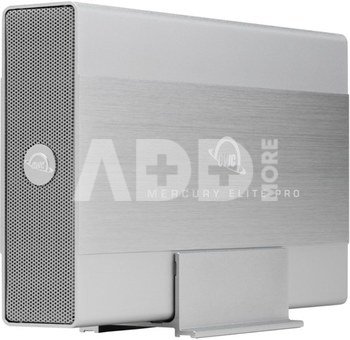
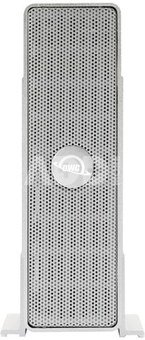
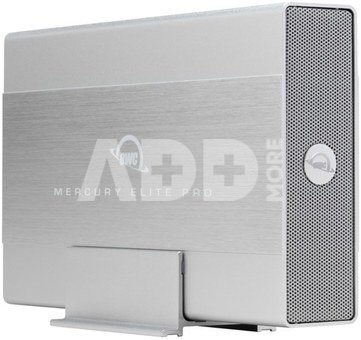
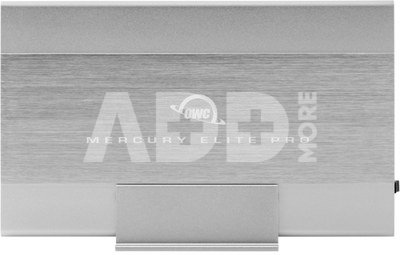
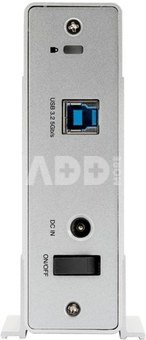
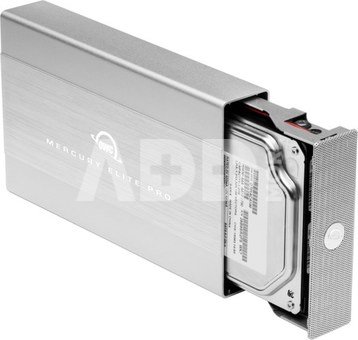
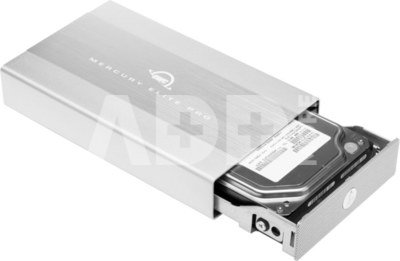
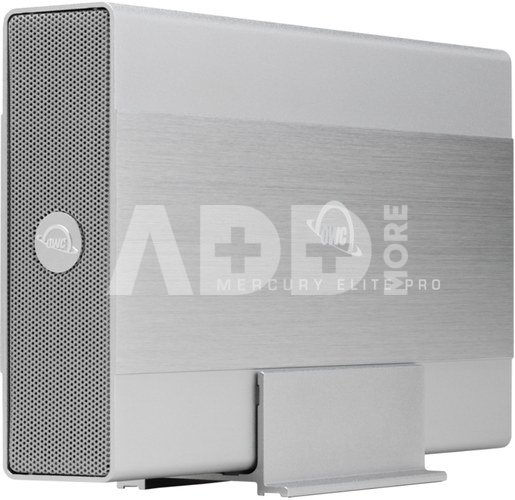
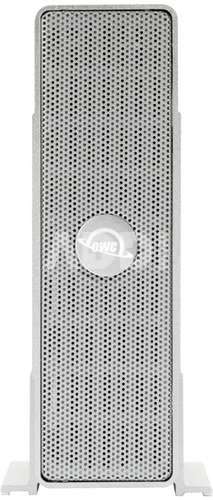
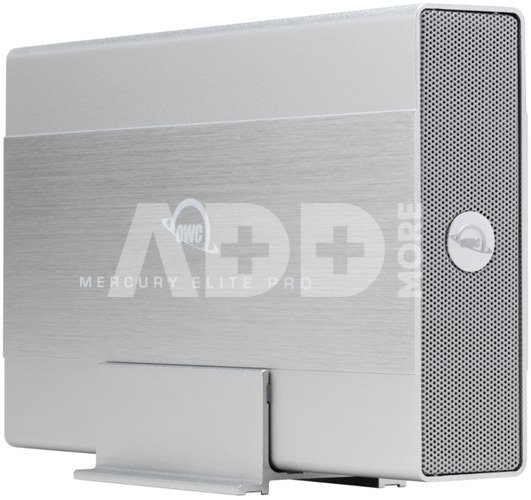
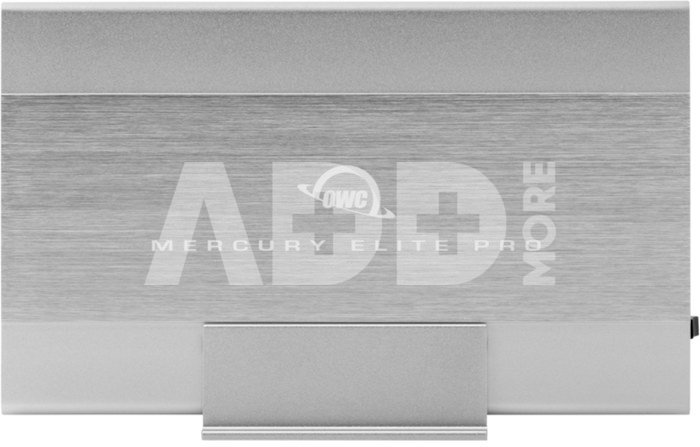
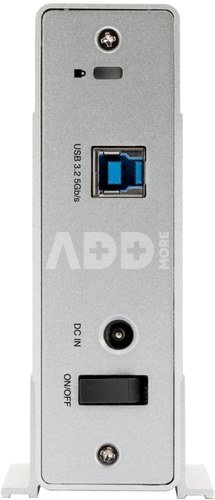
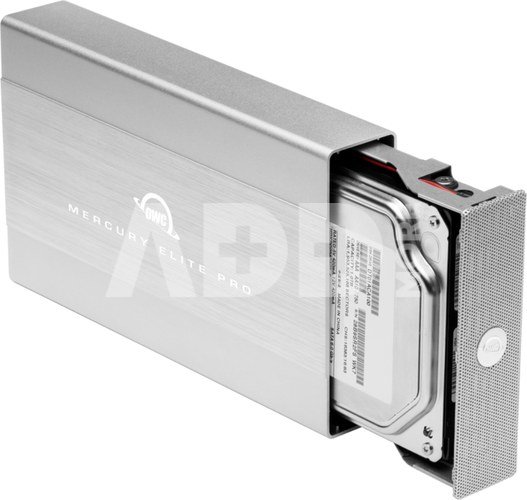
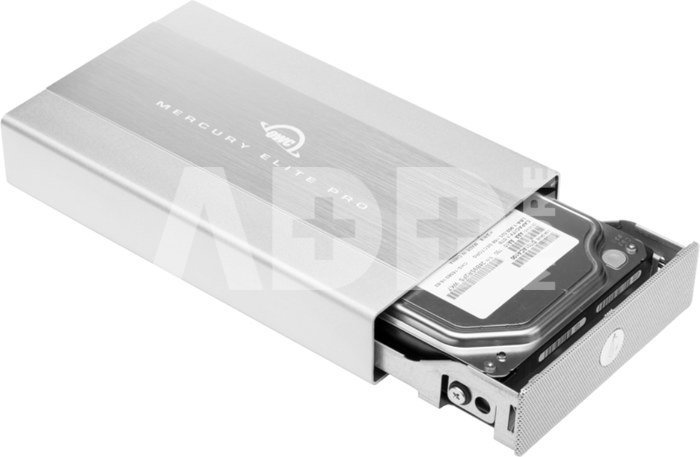
OWC MERCURY ELITE PRO 3.5-INCH USB 3.2 (GEN 1) 5GB/S EXTERNAL STORAGE 12TB. Continuing the Legacy The Mercury Elite Pro began OWC's rich, storied history of storage solution innovations nearly 20 years ago. It has lasted the test of time by continuing to offer an incomparable blend of performance, quality, and value in a single-drive storage solution. The latest generation upholds our commitment to excellence and offers customers convenient access to their data with even more space and higher transfer speeds. 3.5-inch USB 3.2 5Gb/s External Storage Solution Pro-grade performance: up to 252MB/s real-world speed Easy backups: Apple Time Machine and Windows File History ready Space efficient: includes matching vertical stand Flexible: includes non-skid rubber feet for secure horizontal use Quiet: heat-dissipating, brushed aluminum chassis and fanless venting provide cool, nearly silent operation Rugged: built-in shock isolation protects drive Compatible: use with Mac, Windows, and Linux machines PS4 and Xbox consoles and Smart TVs Deployment ready: preconfigured solutions undergo rigorous multi-step performance certification 3 Year OWC Limited Warranty An Essential External Solution for Everyone Photos, music, and videos are a part of everyday digital life. Add in presentations, reports, record-keeping, and correspondence, and the result is a staggering amount of data that needs to be stored in a single, accessible location. The Mercury Elite Pro is an essential desktop drive for creative pros, small businesses, home office users, and families with ever-growing storage capacity needs.Housed in a rugged, solid aluminum enclosure, the Mercury Elite Pro is built for modern data management with a high performance 3.5-inch 7200RPM hard drive. It can be used for a variety of personal and business needs including: Pro-level video editing projects Time Machine and File History backups of important business data and irreplaceable personal photos Consolidating files from multiple smaller drives to a single location for faster, more convenient access Migrating data from an existing machine to a new computer Expanding game storage of console gaming systems Freeing up space on a computer's internal drive to improve performance Purposefully Designed Offering an ideal blend of form and function, the Mercury Elite Pro's fanless, brushed aluminum chassis provides maximum heat dissipation to run quietly cool while the shock isolation design keeps the drive – and your data – safe and protected. It fits discreetly on any desktop with the included vertical orientation stand. You can also place it horizontally, using the included non-skid rubber feet, and even stack multiple units to create a capacity "tower of power". Ready for Play The Mercury Elite Pro isn't just all work and no play. Besides saving and backing up computer data or functioning as a workhorse drive on set or in the edit suite, it can be used to watch videos, listen to music, and view pictures through your gaming console or attached directly to your Smart TV. Gain Critically Needed Gaming Space With their stunning realism, modern games have grown to an average of 40GB per game. That means PS4 and Xbox One gaming system's standard 500GB internal drive will only hold 12 "regular" games. How do you play more games – including 4K games that are up to 100GB in size – without uninstalling other games? Easy … for every 1TB of Mercury Elite Pro capacity you add as external storage to your console, you'll gain space to store up to 24 average-sized games. Besides eliminating the limitations of your internal capacity, you'll gain the ability to offload the games you play most regularly and potentially load and save them faster. Certified for Demanding Use We understand having confidence in gear reliability is paramount to creative professionals. That's why every Mercury Elite Pro pre-configured solution undergoes a multi-step performance certification prior to shipping. This ensures it arrives operating properly and immediately ready for demanding use. Ready to go. Right out of the box. OWC products are loved around the world for It Just Works™ ease-of-use and reliability. To provide the highest performance, reliability, and ready-to-run convenience available, your solution comes formatted in the native HFS+ macOS and iPadOS file system. With OWC, you don’t have to worry about reformatting hassles or confusion like other solutions — just plug your drive into your Mac or iPad and you’re good to go. Sequential read/write (max) performance numbers are based on testing 14.0TB Toshiba HDD with AJA System Test (4KFull resolution, 64GB file size, 10bit RGB codec, file per frame test).If movie playback from an external hard drive and movie format is supported by your Smart TV. Includes (1) OWC Mercury Elite Pro External Storage Solution (1) USB 3.2 (5Gb/s) Type-B to Type-A Cable (1) External Power Supply (1) US Power Cable (1) Quick Start Guide for OWC Mercury Elite Pro with USB 3.2 (5Gb/s) (1) Assembly Manual & User Guide for OWC Mercury Elite Pro with USB 3.2 (5Gb/s) 3 Year OWC Limited Warranty
















Atsiliepimai
0 vidutinis įvertinimas (0 įvertinimų)