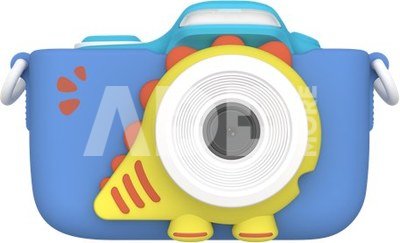
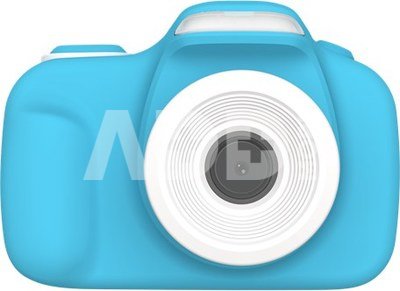
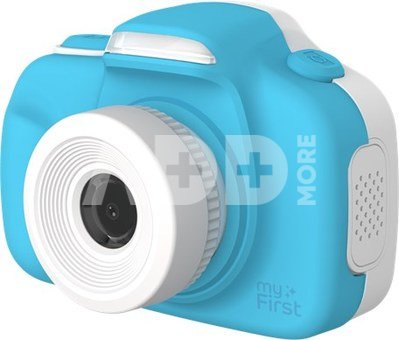
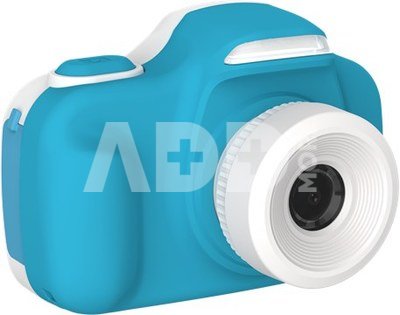
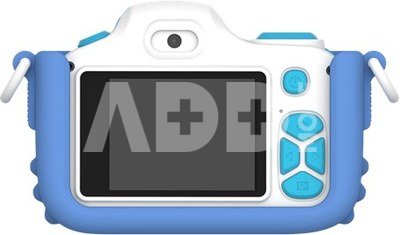
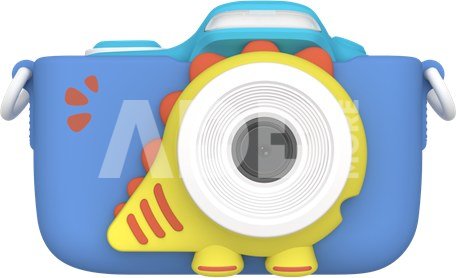
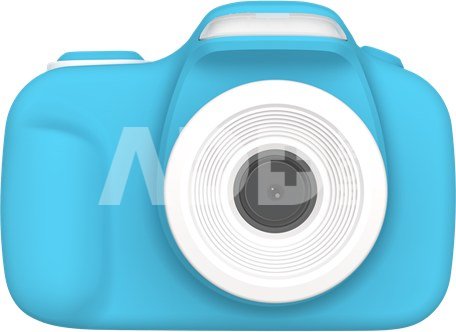
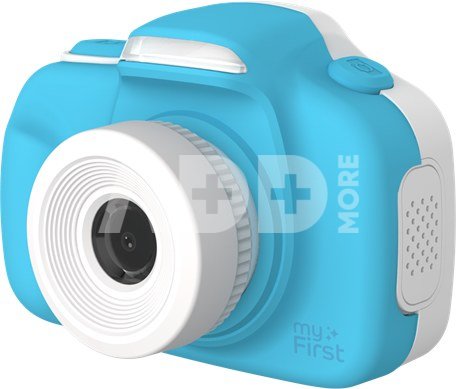
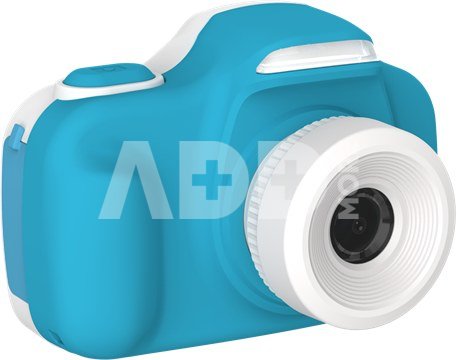
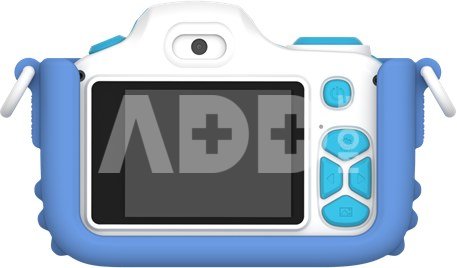
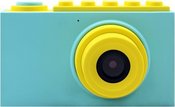
The MyFirst Camera 3 is designed for comfort and protection for kids. Weighing only 80 grams, it's super light and easy to hold. It also comes with a cool, durable rubber case to keep the camera safe. This protective case ensures the camera can withstand bumps, so your kid can play around with it without worries.
MyFirst Camera 3: Powerful 16-Megapixel Sensor
The camera features a 16-megapixel sensor that delivers clear and detailed photos. Whether you're capturing action shots of animals or scenic landscapes, the MyFirst Camera 3 produces high-resolution images. With this powerful sensor, kids can easily take photos that they'll be proud to share, sparking their creativity.
MyFirst Camera 3: Versatile Features for Great Shots
Besides regular photos, the MyFirst Camera 3 also has a selfie camera for fun self-portraits. The 2-inch display makes it easy to see the pictures you've just taken. There's also a macro lens for photographing small objects up close. This lets kids explore their interest in nature and detailed photography, capturing sharp images of flowers, insects, and other tiny things.
MyFirst Camera 3: Long Battery Life for Endless Fun
The MyFirst Camera 3 is powered by a 1000mAh battery that allows for up to 150 minutes of continuous use. This means your kid can take photos and videos for hours without worrying about charging. The camera is also super easy to use, so kids can quickly make their shots and review them on the clear 2-inch display.
Key Features of the MyFirst Camera 3
- Weight: The camera weighs just 80 grams, making it perfect for little hands to hold and carry around.
- Rubber Case: The included rubber case adds extra protection against bumps and dirt.
- Sensor: The 16-megapixel sensor lets the camera capture sharp and detailed photos.
- Selfie Camera: The camera has a selfie feature for fun self-portraits.
- Battery Life: The 1000mAh battery offers up to 150 minutes of usage for endless fun.
Warranty
24 months
Delivery time
14-17 w.d.
Discuss with a consultant in Kaunas
We don't have
Klaipėda Address: Birželio 23-iosios g. 23g Working hours: I-V 09:00 - 18:00 VI-VII not working Phone: +370 674 59488
Discuss with a consultant in Klaipėda
We don't have
Klaipėda Address: Taikos pr. 17 Working hours: I-V 10:00 - 19:00 VI 10:00 - 14:00 VII not working Phone: +370 604 43972
1. What are the main features to consider when choosing a digital camera?
When choosing a digital camera, it's important to consider several key features to ensure it meets your needs. First, define your goals: will it be for everyday photos, professional photography, or a compact travel camera? Choose the appropriate sensor size, which directly affects photo quality and performance in low light conditions. Consider the number of megapixels – more doesn’t necessarily mean better quality. Select the right lens based on your needs. It's also essential to take into account the camera’s size, weight, ease of control, battery life, recording formats, flash capabilities, and connectivity with other devices. Don’t forget your budget – choose something within your means. Before purchasing, it's important to read reviews and do thorough research to ensure you’ll be satisfied with your choice.
2. How to understand and use the digital camera's menu system and settings?
The digital camera's menu system may initially seem complicated, but it's important to understand the basic settings. Experienced photographers often experiment with different settings, but beginners are recommended to familiarize themselves with the main settings such as ISO and aperture. Most cameras come with a user manual, and there are plenty of online tutorials that can help you quickly grasp the menu systems and settings. The key is to experiment, as this will help you better understand how different settings work and how to use them optimally in different shooting conditions.

















Reviews
0 average rating (0 votes)