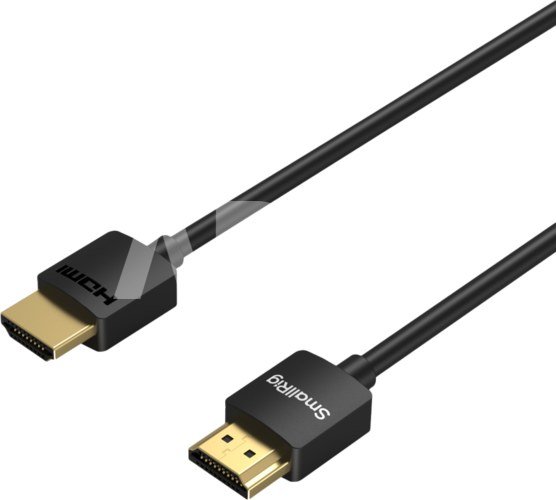
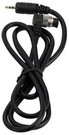
SmallRig 4963 Coiled HDMI Data Cable A to A
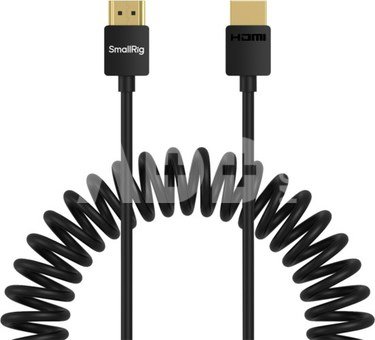
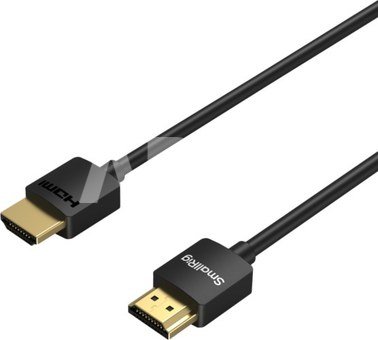
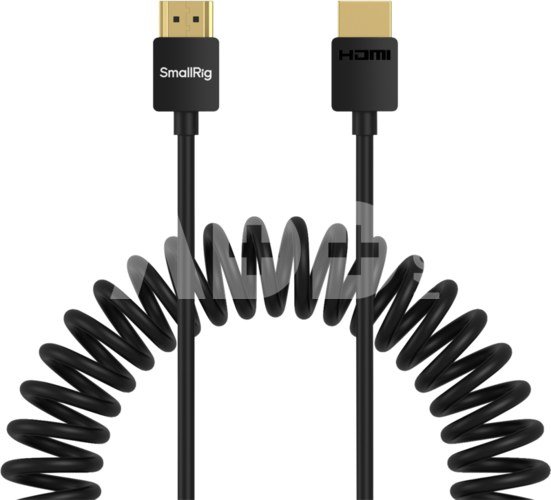
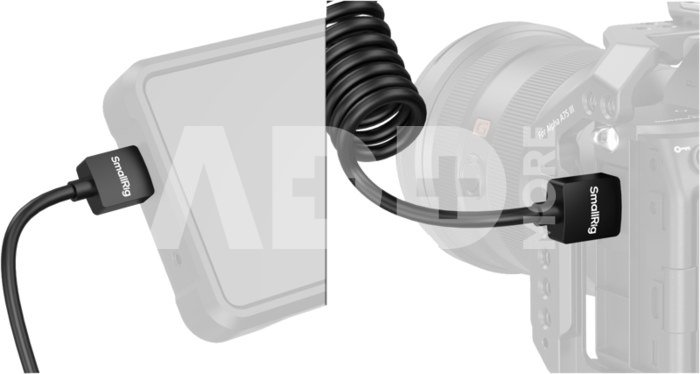
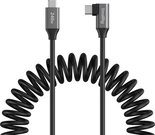
SmallRig Coiled HDMI Data Cable (A to A) 4963 is designed for camera rig setups, providing reliable high-speed data transmission between devices with full-sized HDMI ports. Featuring HDMI 2.0 specification, it supports resolutions up to 4K@60Hz while maintaining backward compatibility. The cable's coiled TPU construction offers both durability and flexibility, ensuring long-lasting performance in demanding shooting environments.
1. Flexible coiled design allows for easy extension and retraction.
2. Complies with HDMI 2.0 specification, supporting up to 4K@60Hz resolution.
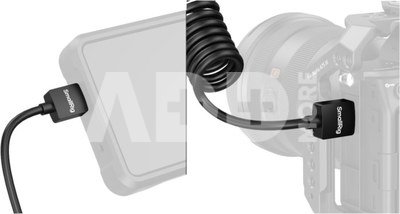
3. Enables high-speed data transmission between cameras, monitors, and transmitters with full-sized HDMI ports.
SmallRig Coiled HDMI Data Cable (A to A) 4963 is designed for camera rig setups, providing reliable high-speed data transmission between devices with full-sized HDMI ports. Featuring HDMI 2.0 specification, it supports resolutions up to 4K@60Hz while maintaining backward compatibility. The cable's coiled TPU construction offers both durability and flexibility, ensuring long-lasting performance in demanding shooting environments.
Note: Only compatible with full-sized HDMI ports.
Work With Compatible with full-sized HDMI ports devices including: Blackmagic Design BMPCC 4K & 6K, Panasonic S1H / GH5 / GH5S, Z CAM E2, Atomos Ninja V, Hollyland Mars 400, and more.
HDMI Coiled Data Cable x 1
Guarantee Card x 1
Product Dimensions (Fully Extended): 1200.0 x 17.0 x 10.0mm
Package Dimensions: 162.0 x 140.0 x 11.0mm
Product Weight: 45.0 ± 5.0g
Package Weight: 60.0 ± 5.0g
Material(s): TPU, PVC
Discuss with a consultant in Kaunas
We don't have
Klaipėda Address: Birželio 23-iosios g. 23g Working hours: I-V 09:00 - 18:00 VI-VII not working Phone: +370 674 59488
Try it in Klaipėda
Have
Klaipėda Address: Taikos pr. 17 Working hours: I-V 10:00 - 19:00 VI 10:00 - 14:00 VII not working Phone: +370 604 43972
1. How to choose the right cable for your camera or other device?
To choose the right cable for your camera or other device, it is important to consider several factors. First, you need to know what type of connector your device uses – whether it's USB, HDMI, USB Type-C, etc. Next, it’s important to take into account the data transfer speed (the data transfer rate). If it's data transfer, for example, from the camera to the computer, you may need a fast USB 3.0 or USB Type-C connection. Another factor is the cable length – choose the appropriate length depending on where and how you plan to use the cable. The quality of the cables can also impact the stability of the transferred data and the sound quality of the speaker wire. Carefully read the device specifications and choose a cable that suits your needs.
2. How to choose the right power adapter for your electronic device?
When choosing the right power adapter for your electronic device, it is important to pay attention to several key factors. Check the device's specifications to determine the required input voltage, current, and connector. The adapter must meet these specifications to ensure proper charging and prevent potential damage. Choose an adapter from a reliable manufacturer and make sure it meets safety standards. It is also important to pay attention to the type of adapter connector and ensure it is compatible with your device. Finally, consider the portability and convenience of the adapter, especially if you need to charge your device frequently while traveling.


















Reviews
0 average rating (0 votes)