The eleventh version of the popular video editor for Windows comes with a suite of tools using artificial intelligence algorithms, and is also ready to integrate third-party online and offline AI services. Included is the powerful Mync 11 content management system with tight integration into EDIUS 11, and to ensure seamless group collaboration comes the new Chorus Hub 11 Server. EDIUS 11 is available in Pro (standard commercial license), Workgroup (studio license with wider support for broadcast formats, etc.) and EIUS 11 Broadcast (a variant of the Workgroup edition for large TV studios, includes an additional license such as Dolby Professional). The digital licence for Windows 10/11+ allows activation on a single workstation. Upgrade from EDIUS X Workgroup to EDIUS 11 Workgroup. On sale from 10.10.2023.
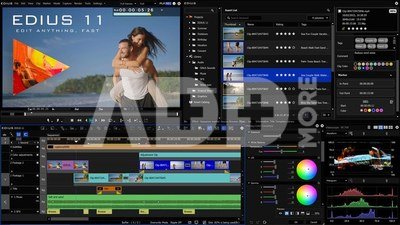
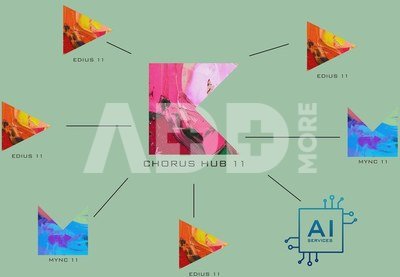
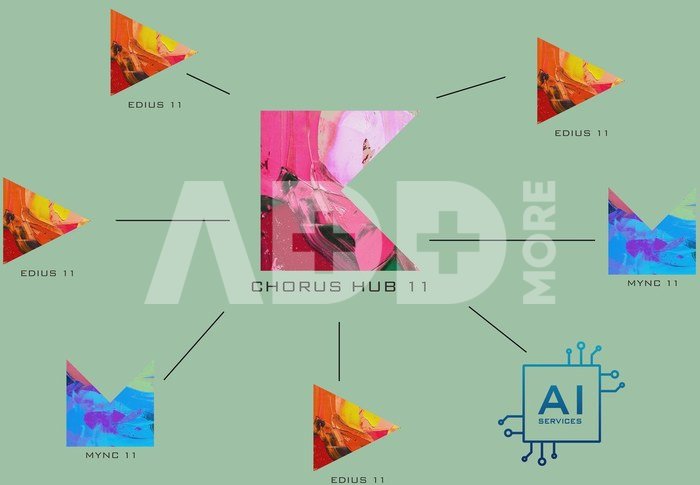
New features include an updated program core with support for the latest PC/GPU technologies, a new intelligent filter for color correction, clip type Adjustment for simultaneous application of effects to multiple tracks, AI-based speech recognition, a dedicated audio editor also supporting automatic speech-to-text conversion, and an upgraded, powerful subtitler. The newly developed Chorus Hub 11 Server technology enables team collaboration - by connecting multiple EDIUS 11 clients, the XRE rendering engine, Mync 11 and server storage. Thanks to the supplied developer tools, it also allows to integrate AI services (automatic video and photo tagging, quality control, etc.).
New features of Grass Valley EDIUS 11.00
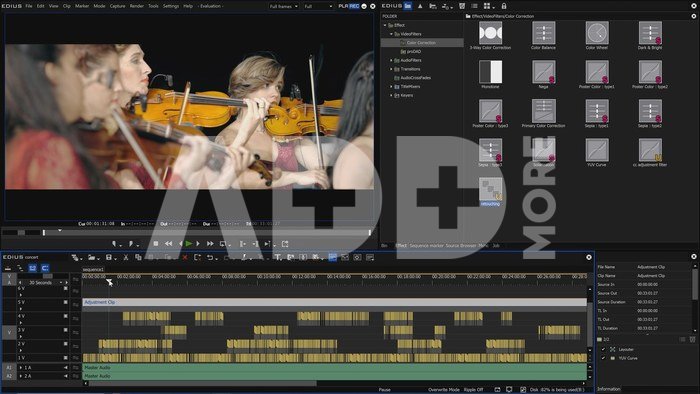
- Intelligent filter for automatic color correction taking into account human color perception.
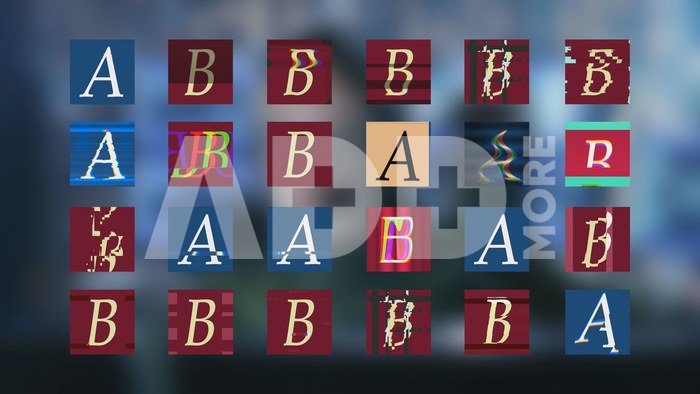
- "Glitch" effects spice up your projects with dynamic simulations of "video transmission glitches".
- Animated effect icons to make it easier to find the desired blending effect.
- Remove background noise with artificial intelligence tools.
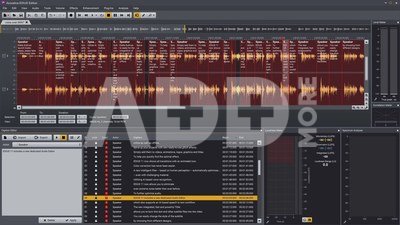
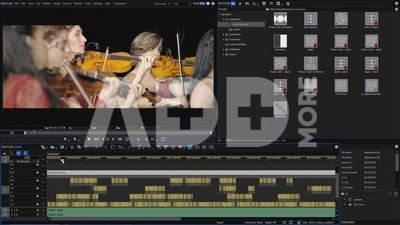
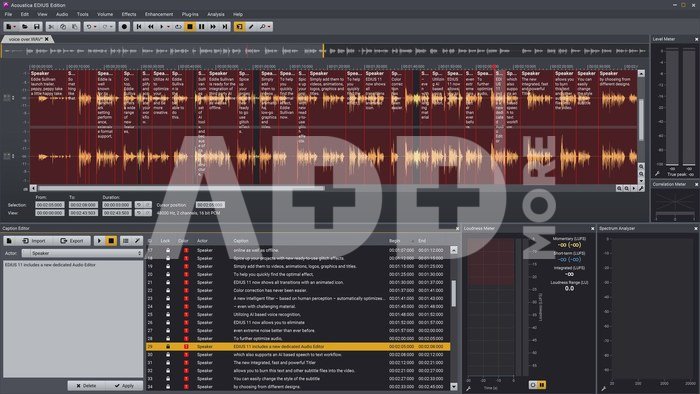
- New multi-track audio editor for analyzing, mixing and mastering audio recordings.
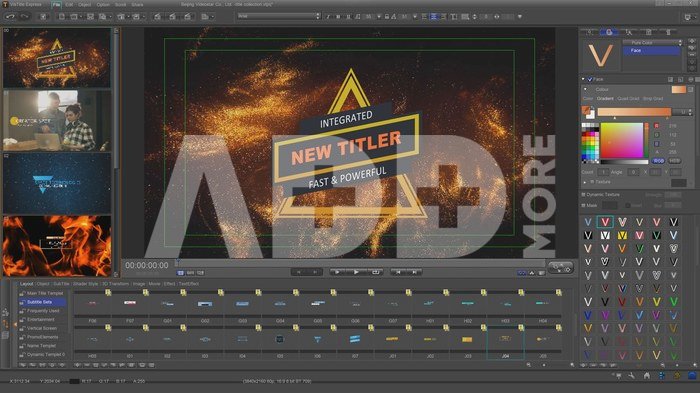
- The new Audio Editor also features a Captions Editor to convert dialogue tracks to captions using automatic speech recognition.
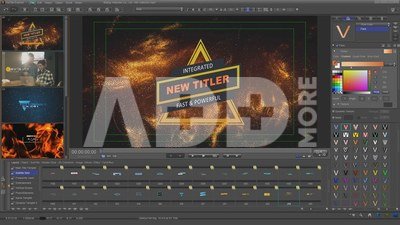
- The all-new Caption Editor is fully integrated, fast and with a host of new features including the ability to incorporate captions directly into exported images.
- Quickly set up projects based on the media you specify.
- Presets for social platforms (new horizontal, vertical and square formats)
- Adjustment clip allows you to apply effects simultaneously to multiple tracks
- Native support for Open FX plug-ins
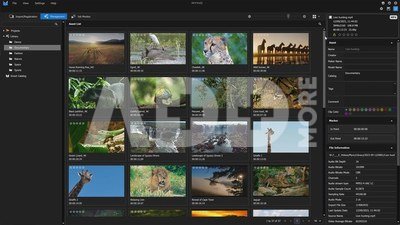
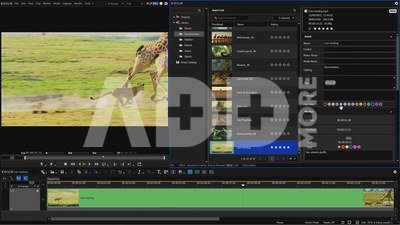
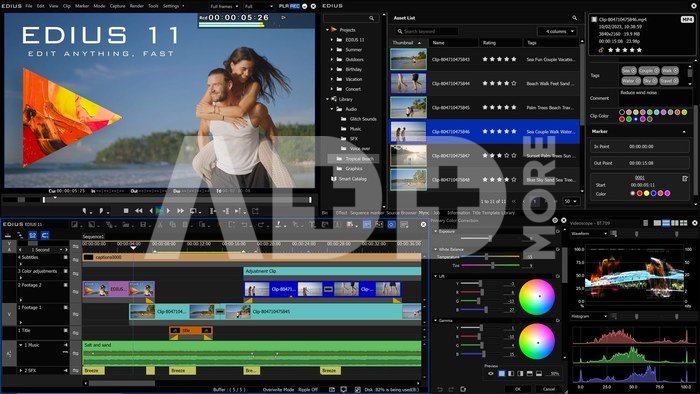
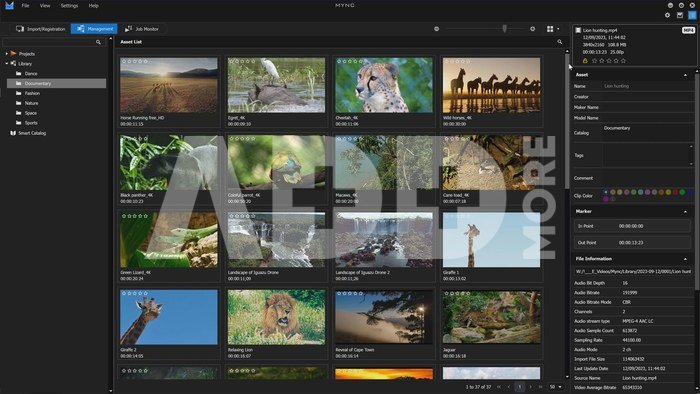
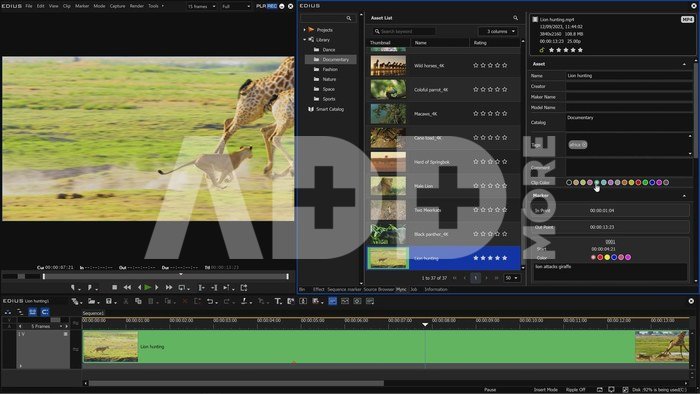
- Mync 11 tab directly in EDIUS for fast, integrated media management. Allows you to create start and end points, tags, comments, rate media, etc.
- An optional Chorus Hub server facilitates multi-user collaboration. License and server configuration on request.
- Ability to integrate third-party AI services allows large studios to implement features for output quality control, face detection in footage, etc.
- Extended support for modern GPU units of other PC hardware
- Support for the latest editing I/O products from AJA (KONA 5, KONA 4, KONA 1 - recording and preview; KONA 3G, KONA LHi, Io 4K Plus, Io 4K, T-Tap Pro, Io X3 - video preview only), Blackmagic Design (all Decklink, Intensity and UltraStudio models) and Grass Valley (STORM 3G and STORM Pro - video preview only)
- Support for the latest formats/codecs incl. Sony XAVC H, HEIF ("High Efficiency Image File") etc.
- Mync 11 offers advanced features for media editing, project and sequence management, conversion to other formats, monitoring of computational operations running in the background, etc.
- EDIUS 11 offers a number of third-party tools with a total value of approx. 700 USD incl. Acon Digital EE for EDIUS 11 (audio effects), con Digital Acoustica EDIUS Edition 7.5 (audio and subtitle editing), VisTitle Express for EDIUS 11 (subtitler) and ProDAD Vitascene V5 EDIUS Edition (
video filters and interleavers)...
Min. required hardware/OS:
- CPU: 5th generation Intel Core or later or equivalent AMD CPU
- Memory: min. 8 GB RAM, min. 16 GB for 4K/8K projects
- Disk: Installation requires 6 GB of free space and a fast dedicated disk for media storage
- Graphics card: min. 1 GB VRAM, min. 2 GB for 4K/8K projects
- Sound card: card with WDM drivers
- Network: requires an internet connection to activate the license (license is automatically verified 1x/month), offline activation is only enabled for EDIUS 11 Workgroup version)
- OS: Windows 10 64-bit version 21H2 or later, Windows 11





























Reviews
0 average rating (0 votes)