

+370 462 46444
I-V 10:00-19:00
VI 10:00-14:00

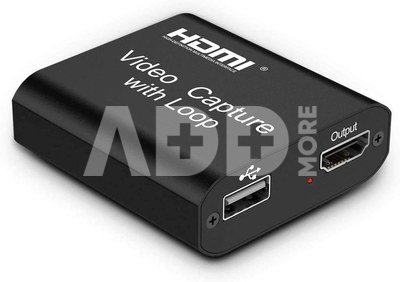
PremiumCord HDMI Video Capture with Loop

PremiumCord HDMI Video Capture with Loop
Code: 09585NRD
Manufacturer code: -
Add to wishlist
EU warehouse
Delivery 5-10 w.d.
EAN
8592220022259
Choose properties
Color
27.99
Extended warranty
Product insurance

Pick up for free in the store in Kaunas (Birželios 23-iosios str. 23g) Liepos 12 d.

Pick up for free in Klaipėda, in the store (Taikos pr. 17) Liepos 12 d.

We will deliver to your home via courier service Liepos 14 d.

Turite klausimų? +370 462 46444 Send request

DescriptionPremiumCord HDMI Video Capture with Loop description

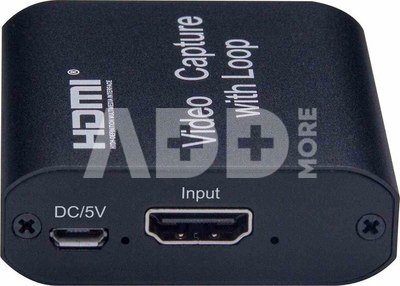
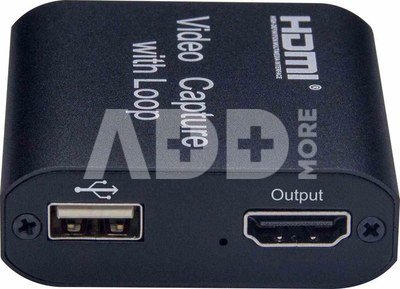
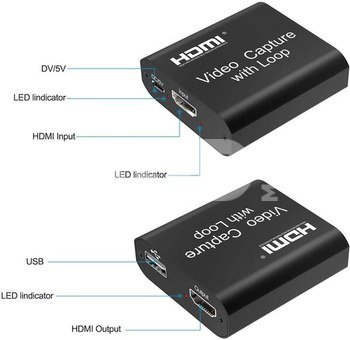
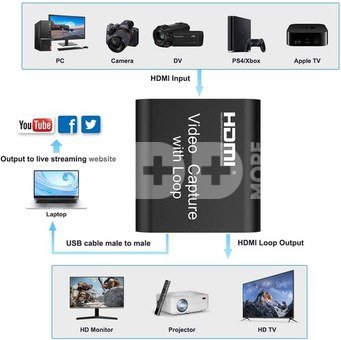
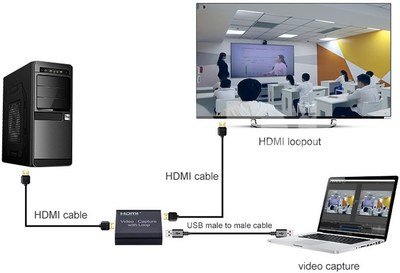
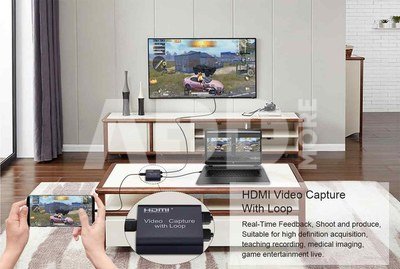
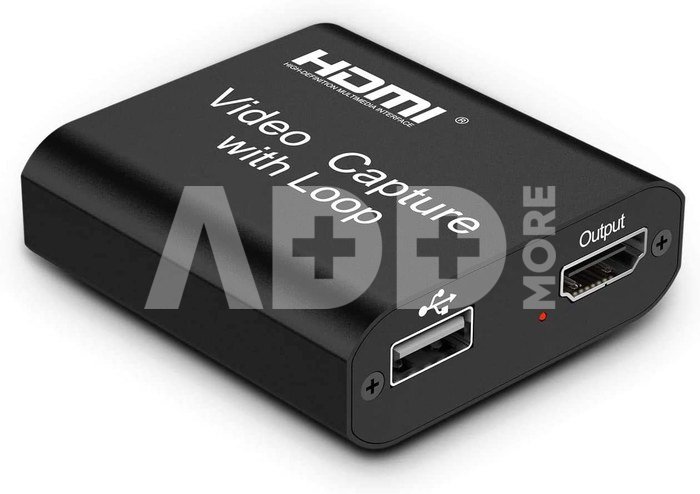
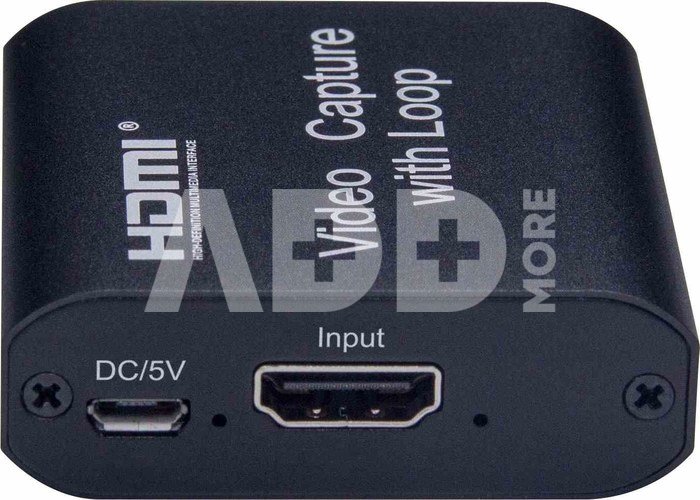
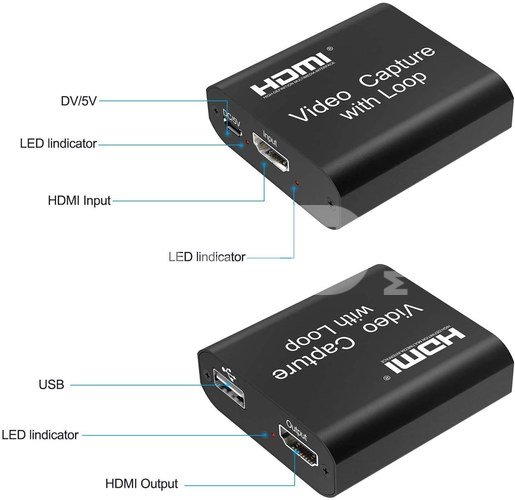
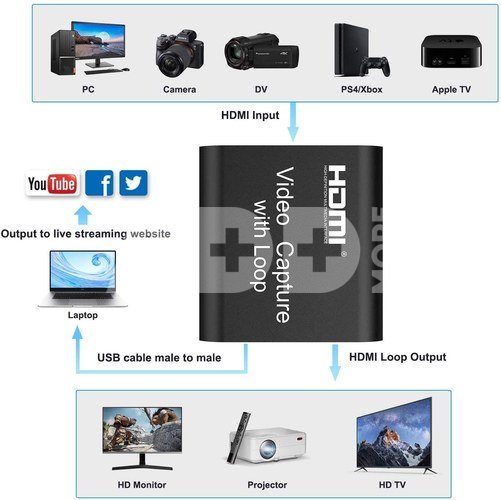
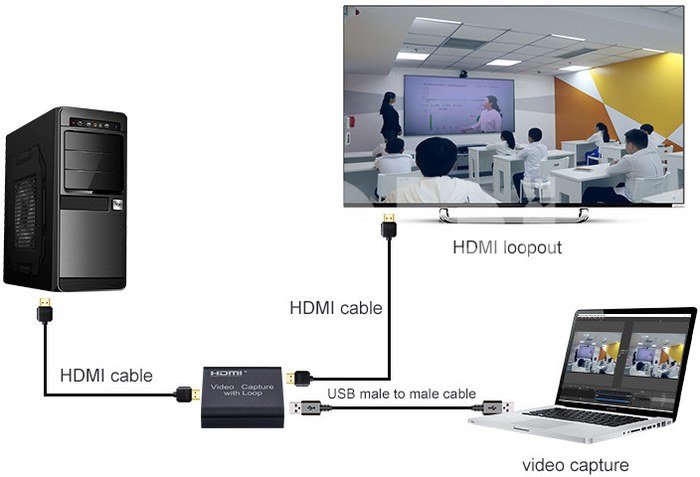
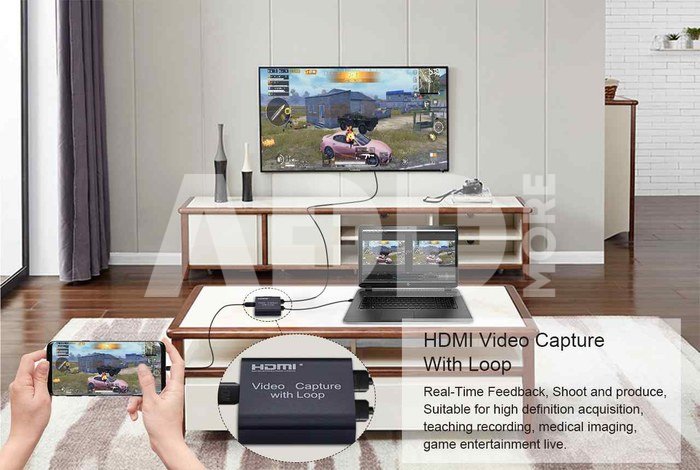
Easily record and transmit high-quality video and audio directly to your computer with the PremiumCord HDMI Capture Device. Ideal for video recording, live streaming, or transferring HDMI signals to a computer via USB 2.0, this versatile device supports up to 1080p high-resolution recording with an input resolution of up to 3840 × 2160 at 30Hz and output resolution of 1920 × 1080 at 30Hz.
  • High-Resolution recording: Capture HDMI video and audio in 1080p directly to your hard drive without any delay
  • Wide compatibility: Plug-and-play with Windows, macOS, and Android. No drivers needed – compatible with third-party software like VLC, OBS, Amcap, and more
  • Supports Deep Color: 8/10/12-bit deep color for vivid video quality
  • Extended HDMI cable support: compatible with standard AWG26 HDMI cables, supporting inputs up to 15 meters at 1080p or lower resolutions
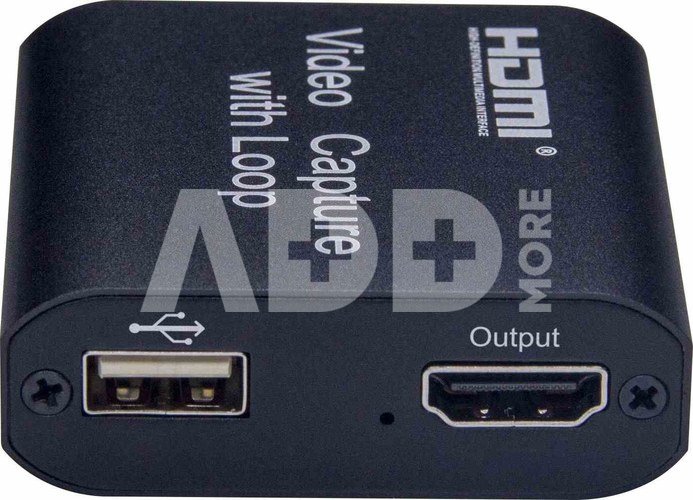
  • Built-in HDMI output: view recordings directly on an HDMI monitor or TV without any lag
  • USB 2.0 connection: meets USB Video UVC and USB Audio UAC standards
  • No external power required – powered directly via USB
  • Compatible with gaming consoles (PS4, Wii U, Switch) and cameras
  • Supports L-PCM audio format
  • Maximum working current: 0.7 A/5 V DC
  • Operating temperature: -10 to +55°C
  • Durable black metal case
  • Dimensions: 59 × 56 × 19 mm
  • Weight: 52 g

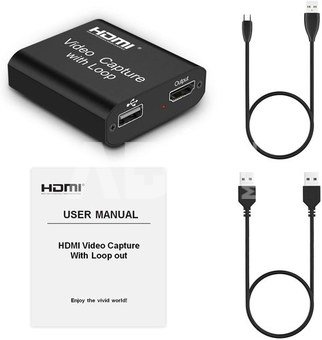
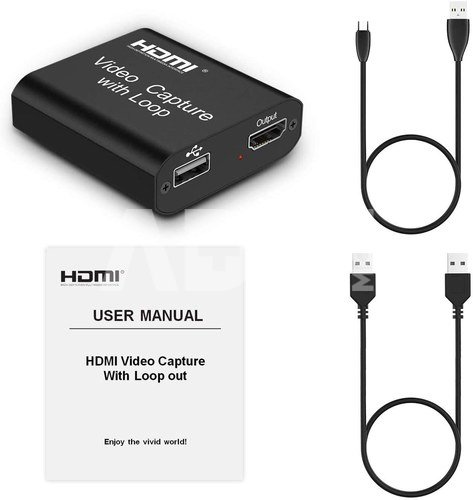
Kit includes:
  • HDMI Capture Device
  • USB-A to USB-A Cable
  • USB-A to Micro USB-B Cable
  • User Manual

Delivery time 5-10 w.d.

Discuss with a consultant in Kaunas

We don't have Klaipėda Address: Birželio 23-iosios g. 23g Working hours: I-V 09:00 - 18:00 VI-VII not working Phone: +370 674 59488
Kaunas

Discuss with a consultant in Klaipėda

We don't have Klaipėda Address: Taikos pr. 17 Working hours: I-V 10:00 - 19:00 VI 10:00 - 14:00 VII not working Phone: +370 604 43972
Klaipėda
Specification
Producer(?) PremiumCord
Delivery time 5-10 w.d.
Product codes

09585NRD 8592220022259

Reviews

0 average rating (0 votes)

 0
 0
 0
 0
 0

Leave a comment

Only registered users can rate.

Customer reviews (0)

There are no reviews. Be first!

1. How to choose the right cable for your camera or other device?

To choose the right cable for your camera or other device, it is important to consider several factors. First, you need to know what type of connector your device uses – whether it's USB, HDMI, USB Type-C, etc. Next, it’s important to take into account the data transfer speed (the data transfer rate). If it's data transfer, for example, from the camera to the computer, you may need a fast USB 3.0 or USB Type-C connection. Another factor is the cable length – choose the appropriate length depending on where and how you plan to use the cable. The quality of the cables can also impact the stability of the transferred data and the sound quality of the speaker wire. Carefully read the device specifications and choose a cable that suits your needs.

2. How to choose the right power adapter for your electronic device?

When choosing the right power adapter for your electronic device, it is important to pay attention to several key factors. Check the device's specifications to determine the required input voltage, current, and connector. The adapter must meet these specifications to ensure proper charging and prevent potential damage. Choose an adapter from a reliable manufacturer and make sure it meets safety standards. It is also important to pay attention to the type of adapter connector and ensure it is compatible with your device. Finally, consider the portability and convenience of the adapter, especially if you need to charge your device frequently while traveling.










